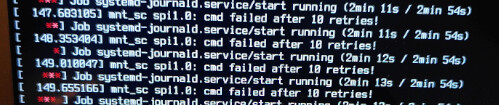
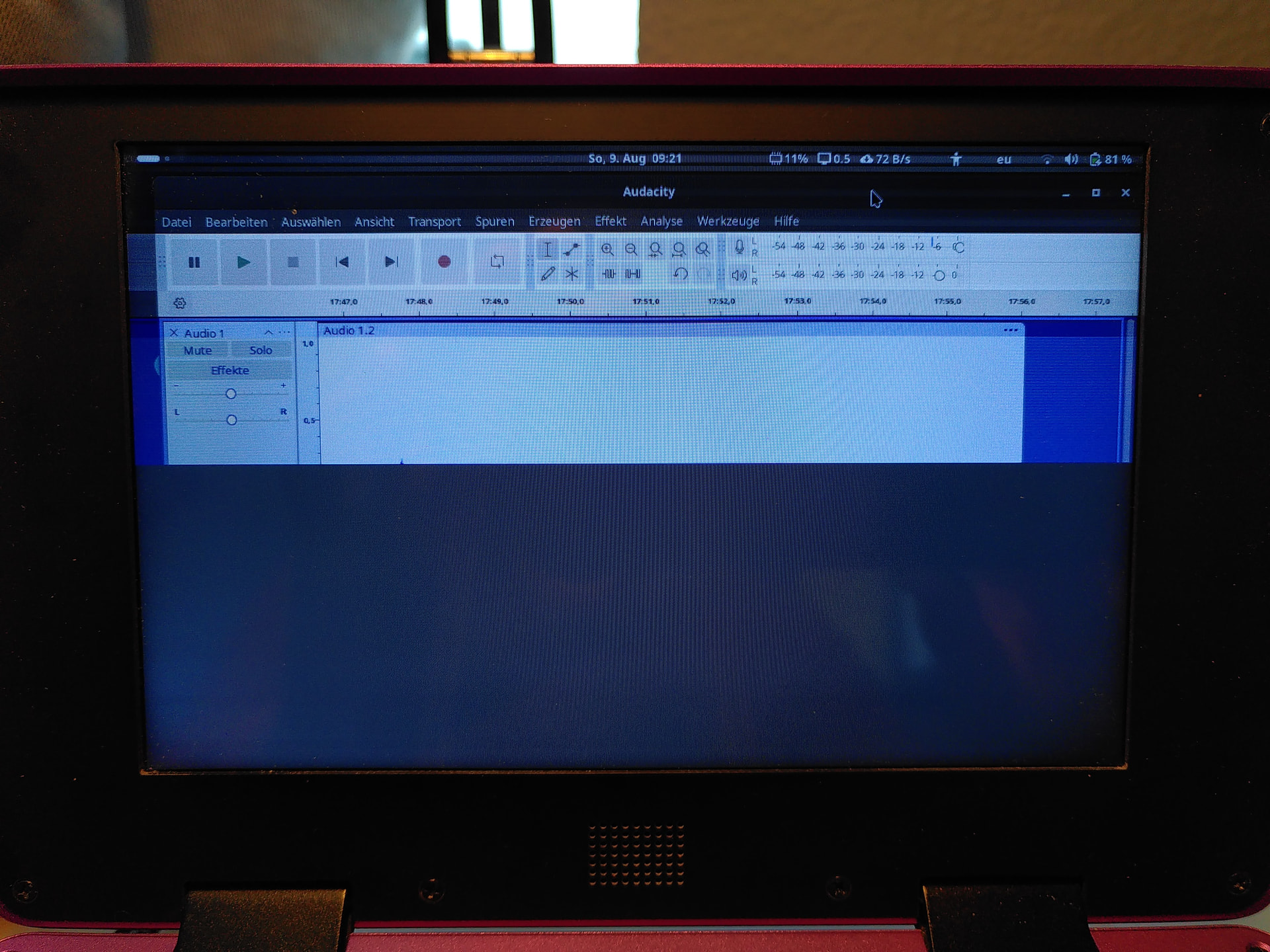
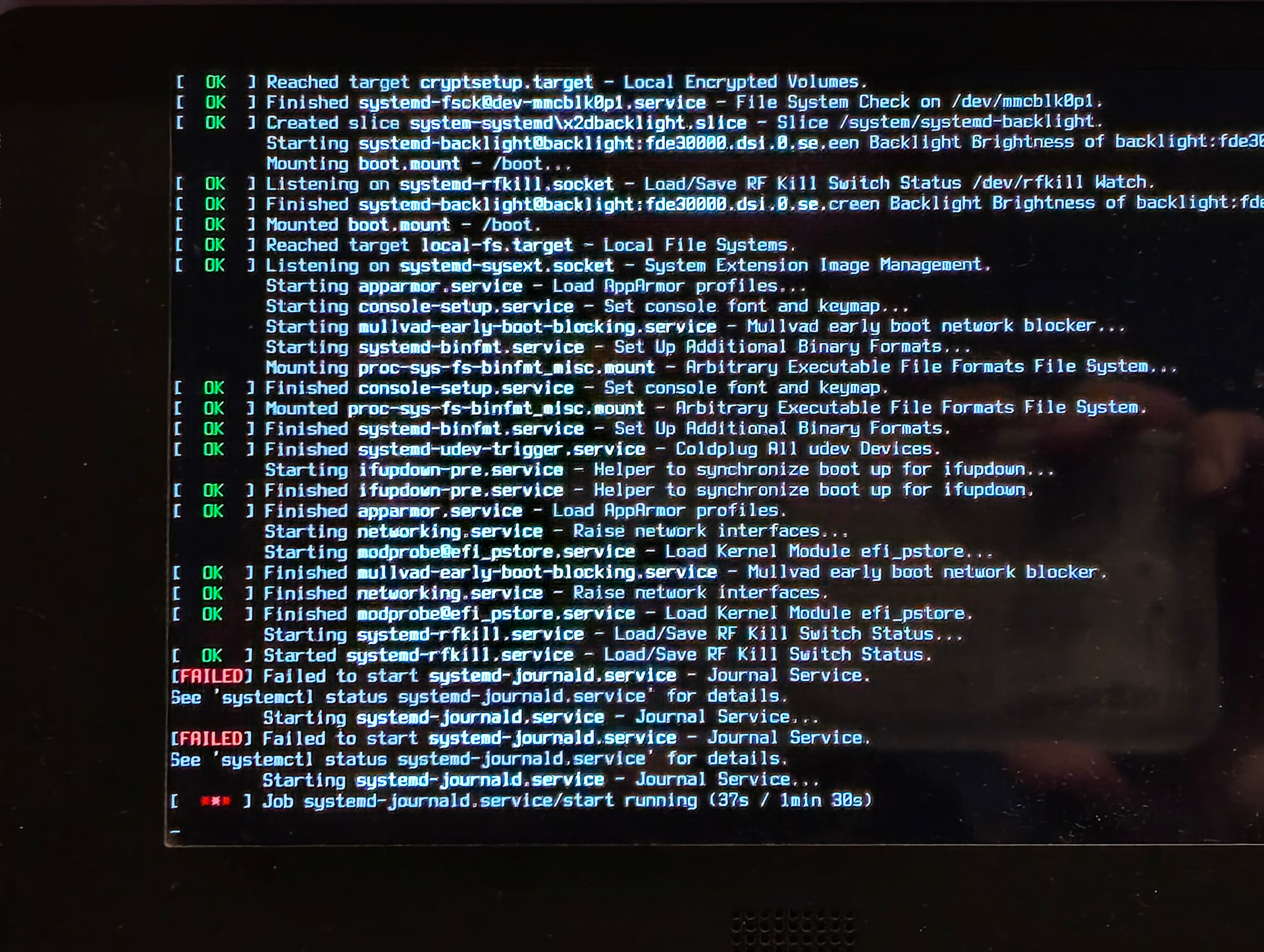
I also noticed that repeating error message after I did an apt update/upgrade. It took several minutes until the system gave up and booted into the greater. Having logged in I wasn’t able to flash the firmware - even when using the " --no-safety-check" option (…voltage too low - or so). Also systemd used quite a lot cpu power in that state and the display was flickering.
Hmm - I have display v1 (with RK3588) and it looks like the backlight still oscillates after this update when the panel is turned on after having been disabled.
Going to chime in with the “not a smooth experience” crowd.
Ran fwupdmgr this morning, got stuck (hard) on keyboard firmware update at about 70% updated.
Left it for 30 minutes, system otherwise still functional with external keyboard.
Tried to kill fwupdmgr, ended up pkilling it. Interestingly, it stopped the system from shutting down gracefully. Updated listed apt packages, since I was unsure what state I was now in.
Keyboard now failed, opened up and followed reset instructions.
System start showed the same journald message on boot above for ~10 minutes before finally booting.
Then finally managed to boot in and run manual curl based update for controller, but keyboard is not found.
fwupdmgr can now run and finish successfully, but that can also only find the controller, not the keyboard.
Have not restarted yet, just flashing a fresh MicroSD card with the recovery image (update - that didn’t work).
Will see what happens on a hard standby off/on, and if still suffering problems, will look to flash the keyboard externally (update, going to go through the rescue boot again and them try triggering the reset manually on the keyboard).
RK3588, Display v2
Edit: Ended up running a bit of a gauntlet, but I’m now up and running.
Had to manually put the keyboard in to bootloader mode to flash it.
Then ended up having to modify /etc/fwupd/fwupd.conf and adding upower to DisabledPlugins - no-safety-check was still refusing to update the system controller due to low power.
That left me with a properly flashed SC and Keyboard. The updated SC (I think) resolved the systemd-journald.service on startup problem documented above.
Then I took note of the above to update to Barebox. However where I was booting previously OK under UBoot, I now started to experience screen problems. (This only started after I had written barebox to EMMC). Grey screen, faded text on lines. Saw the note about the screen not necessarily shutting down properly, gave the machine a hard reset. It appears to now be working again, I assume the pushed update will resolve that properly.
I’d like to help everyone in the best way possible, but to do that I need to know more about your systems. Please always state at least the following details it in your posts (editing the posts also works). Thanks!
which processor module you use (RK3588, A311D, i.MX8MPlus)
and if you know, which display version (V1 or V2). If you’ve ever seen the “half screen / stripes” bug, you have Display V2. If you’ve seen the “oscillation that stays for 10 minutes or longer after waking the display up from sleep” bug, then you have Display V1.
If you have the new kernel package, you can also do:
Edited my previous post to make it clear that I’m on RK3588. In my case I’m using kanshi with sway, which uses the wlr_output_management interface to enable and disable displays. My kanshi config for the Pocket Reform looks like the following:
It’s not exactly a script; kanshi configuration appears similar to sway message syntax but it’s actually parsing the output settings itself. And kanshi doesn’t have a dpms output option, only enable/disable. (It uses the outputs listed in each profile block as a way to match on which profile should be applied.)
It does support exec as a way to execute arbitrary commands, so I’ve just tried this as an attempt at a workaround:
It seems to partly work, though I’ve seen some odd behavior doing that, with the display turning back on seemingly unprompted while docked… not sure what’s going on there, kanshi doesn’t seem to log anything when this happens. It’s hard to say for sure as I did have to enable the output once to test this (might need to wait longer to get a good feel for it), but the oscillation does seem to come back after a dpms on sometimes, though maybe not as severely?
And having the DSI-1 output still enabled with the display turned off via dpms does mean that workspaces open on the internal display don’t always get moved over to the external display when docked.
EDIT: Okay yeah slightly more info - if I run a swaymsg output DSI-1 dpms off, the internal display turns off but (sometimes?) turns back on ~1m later. Kanshi doesn’t log anything when this happens but I do see this in dmesg:
I did boot from a fresh SD card but I think I messed up the order of things. I updated the firmware (both) first. After that I couldn’t boot from my SSD at all (just black screen). I can still boot from SD however.
I did try to flash barebox to an SD card. First attempt failed (from the Pocket booted from SD card), second try seemed to have gone better (from my PC). I can see barebox running from SD card now, and I get three boot options:
1: Debian on MNT Pocket Reform with RCORE RK3588 Module (/mnt/mmc1.0/loader/rk3588-mnt-pocket-reform-7.0.10-mnt-reform-arm64.conf
2: Debian on MNT Pocket Reform with RCORE RK3588 Module (/mnt/mmc0.0/loader/rk3588-mnt-pocket-reform-7.1.3.1-mnt-reform-arm64.conf
3: Debian on MNT Pocket Reform with RCORE RK3588 Module (/mnt/mmc1.0/loader/rk3588-mnt-pocket-reform-7.0.10.1-mnt-reform-arm64.conf
the two 7.0.10 entries boot to a blank screen with nothing happening
the 7.1.3 entry also boots to a blank screen but eventually the “welcome” audio message from the setup assistant plays
OK, got it, thanks for all the info. Also very good that you got barebox installed + working. I think the best course of action is that I’ll start a fresh build of the System Image with the new kernel that actually fits to that new firmware. I’ll ping here once that is ready (in a couple of hours).
Well, I haven’t properly installed barebox yet, it’s just running off an SD card. The instructions mentioned that flashing it onto emmc might be dangerous.
And I’m not sure how this will help boot into my regular system again? I’m running Trixie from the SSD.
Oh one more question: do you have a microHDMI to HDMI cable and could try booting your regular system (not from the rescue microSD card) with HDMI attached? I’m wondering if you’ll get to see some console output + disk decryption prompt, and after that a gray screen from the GDM login. If you get to that, you can log in without seeing the login form, by pressing enter (that selects your default username on the login screen) and typing your password, then pressing enter again.
Ah, trixie. Sorry, I didn’t remember that you’re not on our official (unstable) Debian system. The “stable” image is contributed by @josch and I don’t know exactly how kernel updates are handled there, as my patches have to be backported. This explains why things are not as I expected them to work on your machine. I’ll amend my instructions in the make it clear that these are only meant for our official Debian unstable repo.
I tried to repeat it all with an HDMI display connected.
The external display never receives any signal and I don’t see the barebox UI on the main display either.
If I let the timeout run out and boot the default (whichever that is, it doesn’t tell me), I see boot messages scrolling sideways and get to the setup assistant.
So I guess I have a bricked laptop now, again. I can’t run the official system because it’s unstable and breaks every week and I can’t run the trixie image because whatever happened here and made the device unusable which may happen every time any kind of update comes out and it’s a gamble each time.
I give up. I don’t have the mental capacity for the stress anymore that all this is causing. I put so much time and money into this and really wanted this to work but it just doesn’t.
OK, this is very sad to hear, and I’m genuinely sorry for the frustration caused. If you ever change your mind, I (and @josch) can help you restore your system back to a well working state. Because everyone has different HW/configuration, I just need to gather enough data to be able to remotely diagnose and help effectively. I’m sorry that this is difficult. Forgot to write: I understand and respect your decision if you don’t want to try anything else, of course.