Hi,
I installed the new headset/switch board 2.0 (the one with the M.2 slot for the wifi+bt) into my pocket and due to the added flat cables and antenna cables it made the mess of cables even worse and harder to manager. I realized that what bugged me most was that the antennas are attached to the display cover so I can never open it up without messing things up and when I close it, I can never be sure whether the cables are where I want them to be because the lid is not see-through like for the classic Reform. So how about not attaching the antennas to the lid at all? Inspired by the small acrylic sheets that MNT offers to attach the antennas to for classic Reform, I created an acrylic shape that fits into the Pocket:
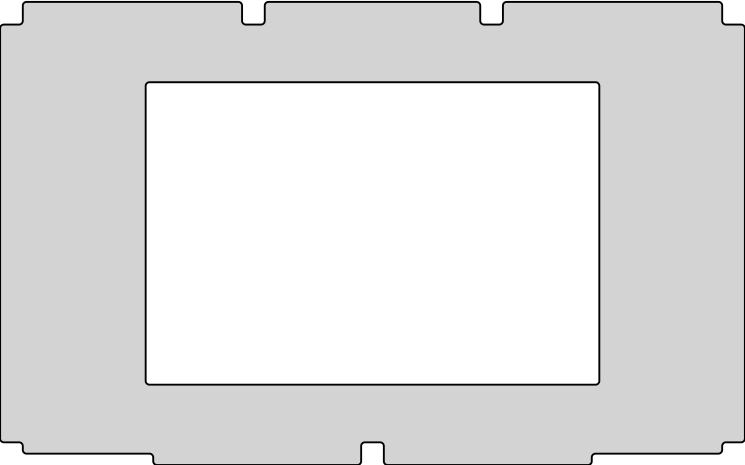
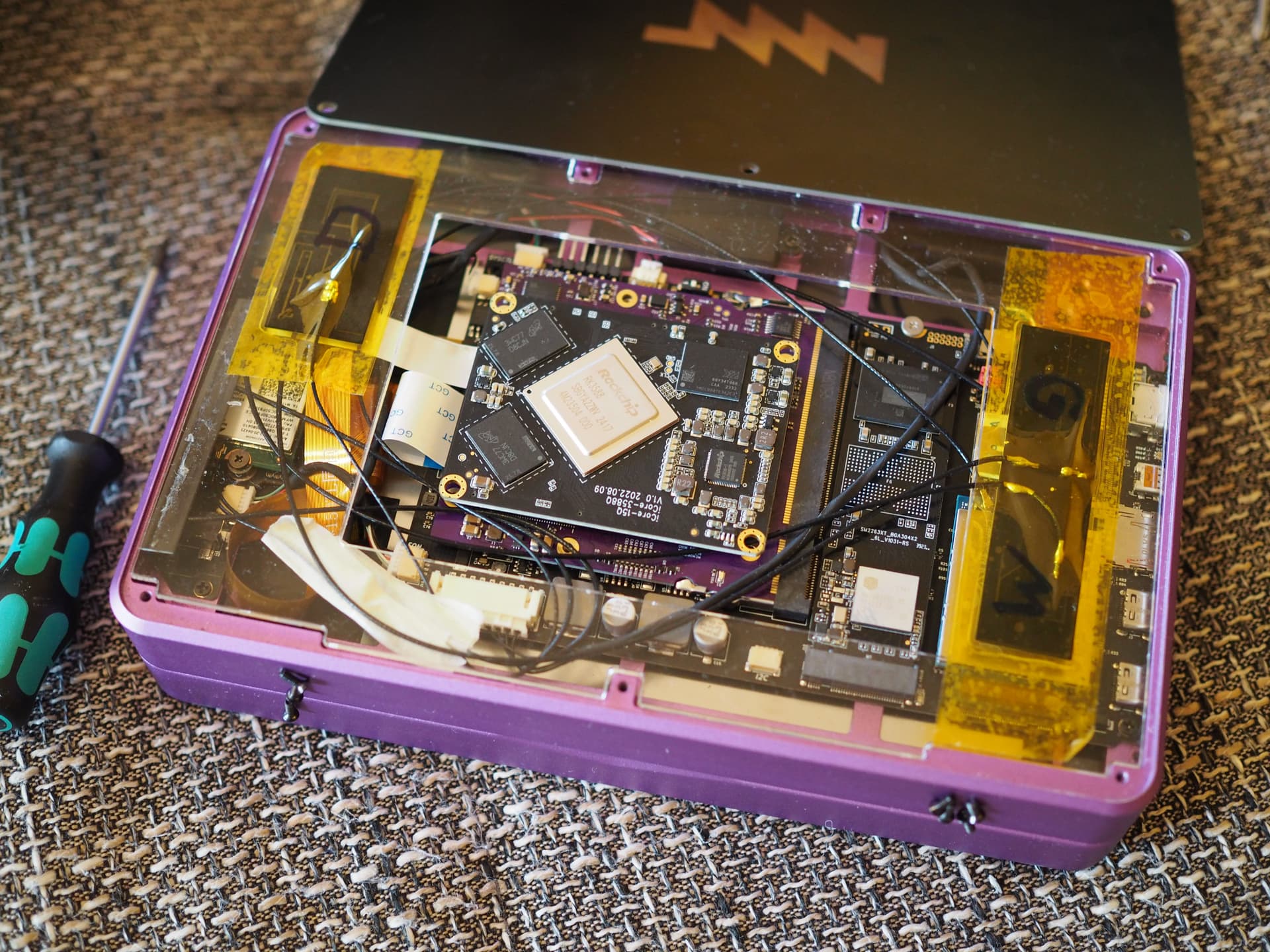
I converted that SVG to dxf and lasercut it from a 2 mm sheet of acrylglas xt. This allows me to attach the antennas to that sheet and organize all the other cables below it. Once I’m happy, I can just screw the lid back on and doing so will not mess with the cable management anymore. It looks like this for me:
Hope this helps!