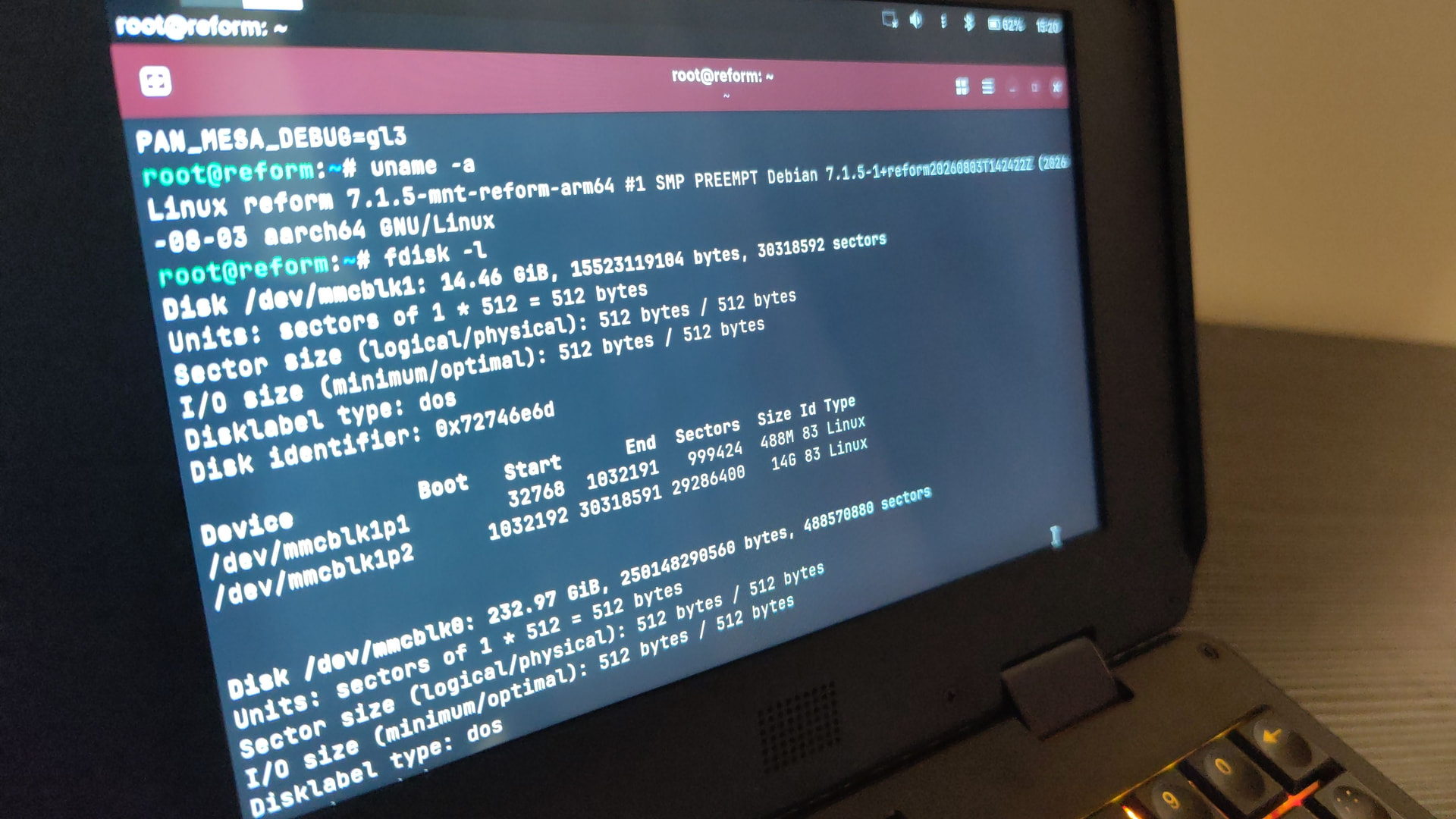
Go into a terminal and enter the following command:
env | grep MESA
Then the command must return the variable with content:
PAN_MESA_DEBUG=gl3,noafbc
Go into a terminal and enter the following command:
env | grep MESA
Then the command must return the variable with content:
PAN_MESA_DEBUG=gl3,noafbc
env | grep MESA //nothing
Hi, I’m unable to reproduce this issue on RK3588 classic Reform. Or is it specific to Pocket Reform? If it’s a mesa issue I should be able to reproduce it on the classic reform too, no?
Can somebody give me a reliable reproducer? I tried the thunar window placement without seeing any flicker.
So your variable is not set! Seems like your /etc/profile.d/reform-mali.sh is not loaded when your session start. Do you use a session manager like gdm or something like that?
If so you ean try to start sway manually → got to TTY with Ctrl+Alt+Hyper+3 open a session then set the Env variable manually with the command:
export PAN_MESA_DEBUG=gl3,noafbc
Then try to start sway manually:
sway
Inside sway open a terminal and check is variable is set
env | grep MESA
And check it it flicker.
I’m use Sway(gdm).
“set the Env variable manually with the command” - variable is added, but the flickering remained. I tried entering through gnome and the flickering was rare compared to sway.
The noafbc is missing according to the command visible on your video.
I posted the wrong video, this one shows the problem. Also, exporting this variable prevents GNOME Session from starting.
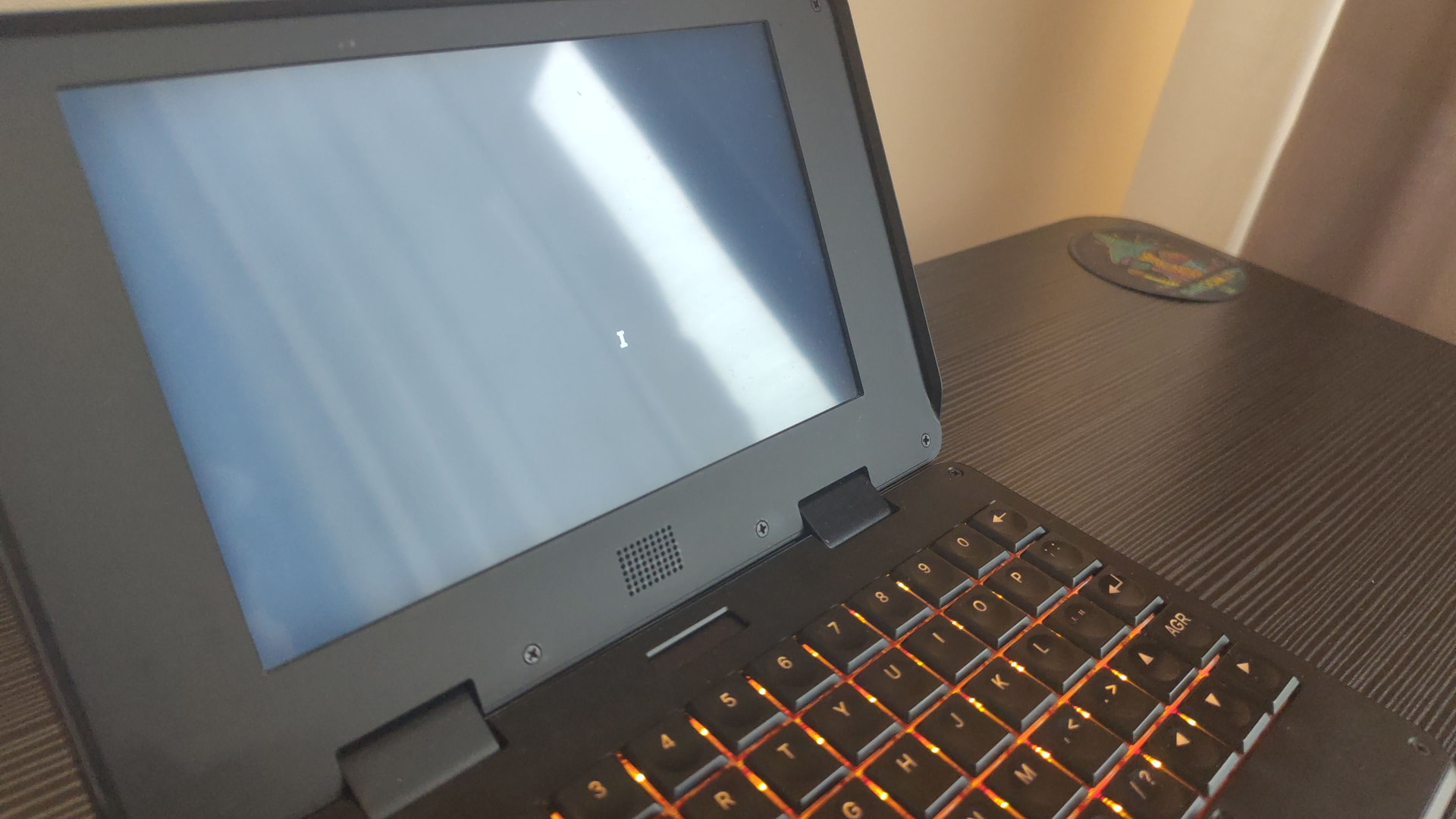
This thread is about rk3588. In IRC Lucie noted that the afbc issue on the a311d is a regression but does not affect rk3588 and also visually looks different. So noafbc indeed does not have an effect on rk3588. Here is me trying to reproduce the flicker on my rk3588 pocket reform with sway and without noafbc:
@starter could you try to reproduce the issue with a vanilla system image?
If a vanilla system image still shows the effect, then Lucie said that this could be a hardware issue… 
Install new image? https://reform.debian.net/images/reform-system-any-bpo.img.xz
No. At the front page of reform.debian.net you will see this message in a yellow box with an exclamation mark:
This website is NOT an official resource by MNT Research GmbH
The content on these pages is independently provided by the Reform Debian community. The official images can be found at https://mnt.re/system-image
Please grab the right system image for your platform and flash it to an sd-card from here: Artifacts · build (#23575) · Jobs · Reform / reform-system-image · GitLab · MNT Source
With rk3588 pocket reform you could use this to flash the image to an sd-card without having to download and extract the image first:
sudo bmaptool copy https://source.mnt.re/reform/reform-system-image/-/jobs/23575/artifacts/raw/pocket-reform-system-rk3588.img.gz /dev/mmcblkX
Replace /dev/mmcblkX by the device of your sd-card. The bmaptool utility will make sure that you do not accidentally write to a disk which is currently mounted.
If I did everything correctly, then could this mean that the problem is in the motherboard or in the processor module?
Thanks for your patience and eliminating any software cause of the problem. We can assume this is a hardware issue on your machine, but it’s unclear if it’s an issue with the display or its cable, or interference from something else. I suggest that you send your device in for free warranty inspection and repair. You can do that by clicking on “Other” here and filling in your details: MNT Support
Best to include a link to this thread here as well.
The problem was a faulty display, the mnt company replaced it with a new one.)