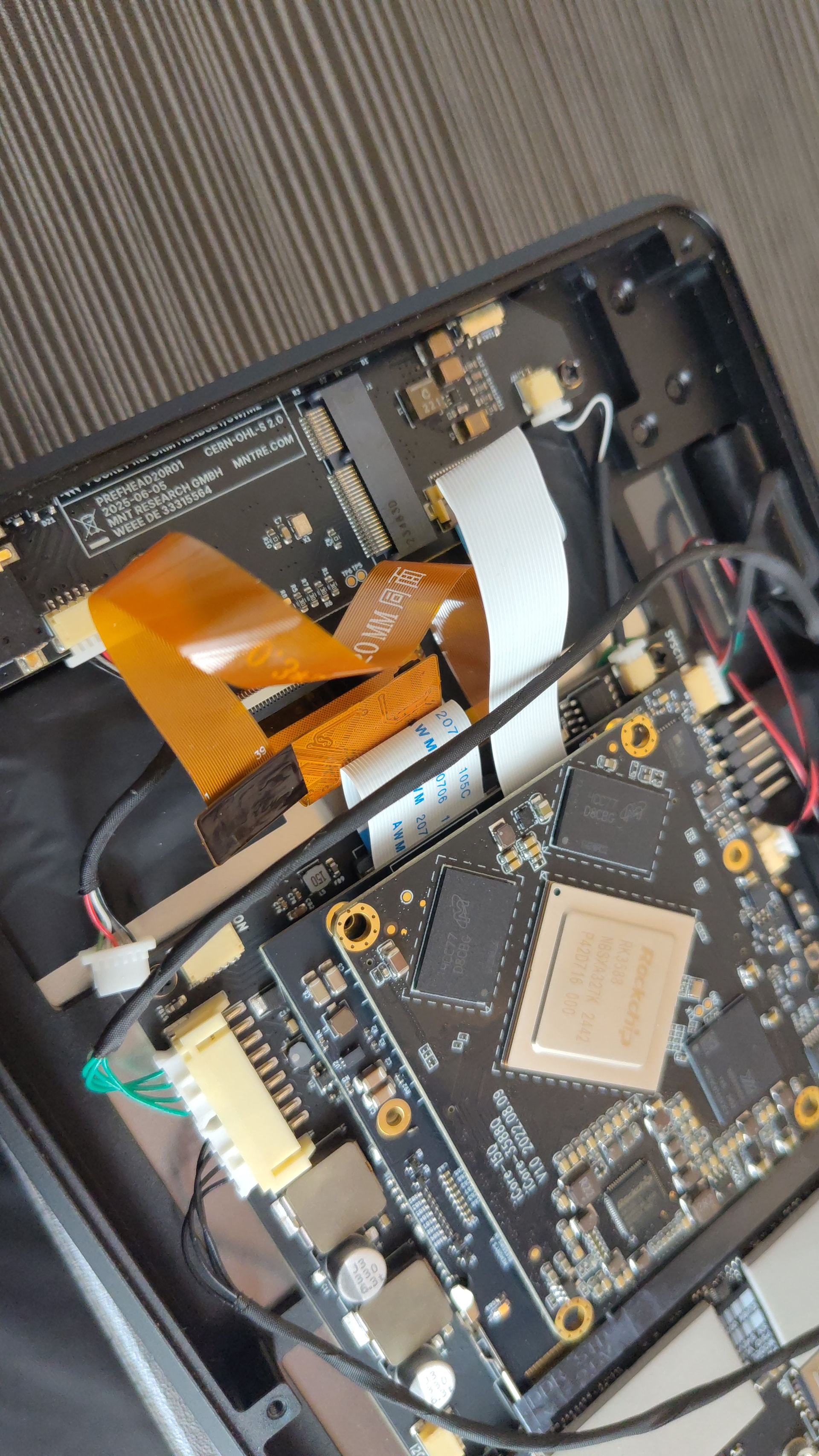
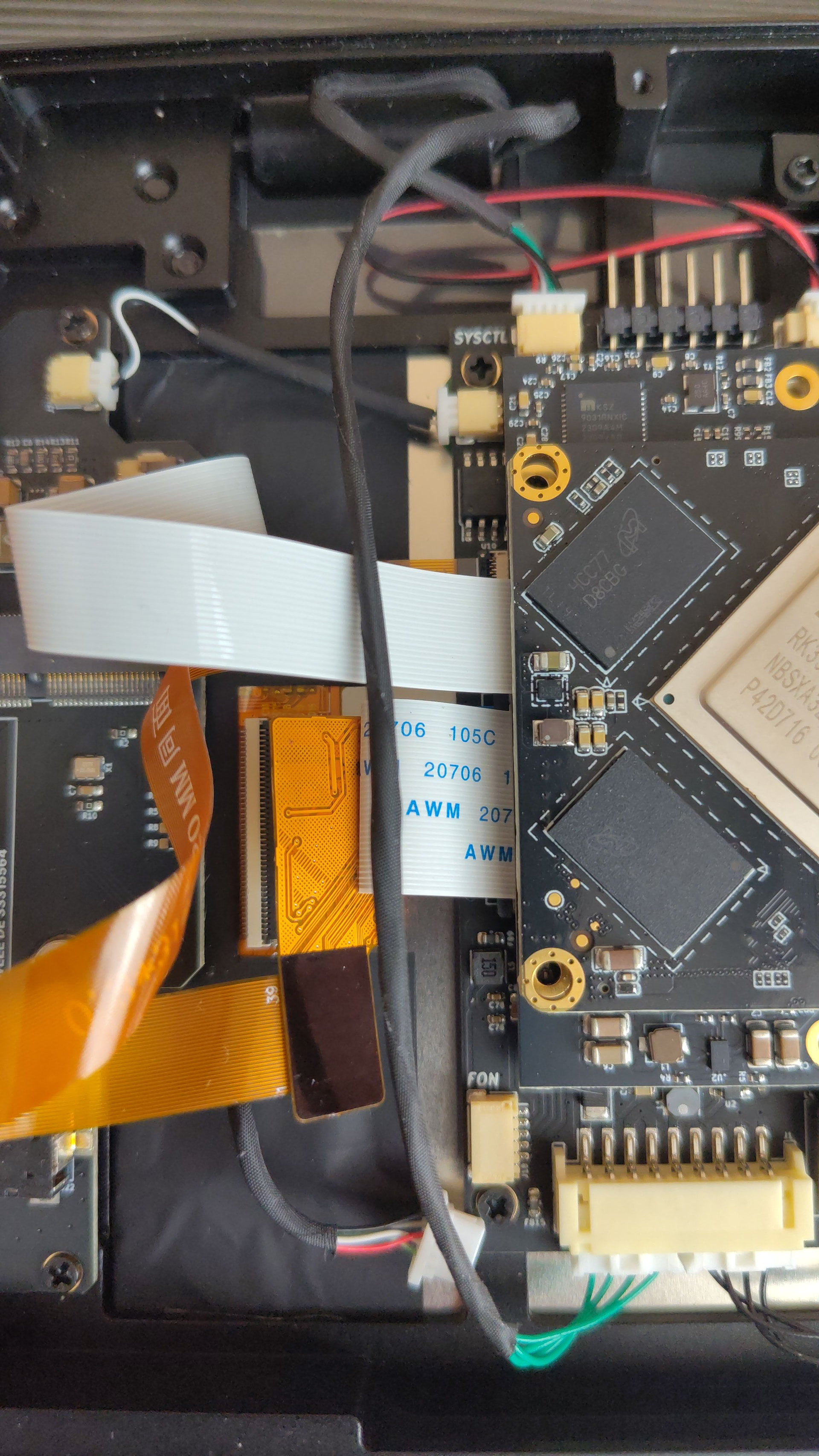
The screen flickers excessively when more than one window is open. This was an issue from the very beginning, but since I mostly used the terminal and mpv, I didn’t really notice it. I thought it would go away with updates, but not.)
Hello starter. I am seeing similar issues on the a3118. I am not sure how to narrow down the cause. The issue seems to have gotten worse in the last few weeks. I am not sure what update may have increased the flickering.
Thanks for the video! This looks like radio interference into the display cable. Does it occur with Wi-Fi + BT (and LTE modem if you have?) off? Did you try moving the Wi-Fi antennas out of the way of the display flex cables?
I removed the WiFi module, the interference remained, I wanted to disconnect the monitor cable to the board, but it is very small, I’m afraid of damaging it.
It does remind me of an issue we had a longer time ago that was caused by a Mesa update enabling AFBC (framebuffer compression) for Mali. I wonder if something like that came back? I’ll have to downgrade to the stock mesa from Debian (I usually run my own build) tomorrow on my personal RK3588 Pocket Reform to see if it also happens. But I think we’d hear from more people about this if it was a general thing, hm.
@starter thanks for the pics and trying the Wi-Fi theory.
Does this issue also happen on the plain Linux console? If you press Ctrl+Alt+Hyper+3 you should be able to get there. This would rule out a GPU/AFBC issue.
Was actually dealing with this the other week with my A311D Pocket Reform after updating the system, I tried a 3 week-old system image to see if it was similar to that previous mesa issue, and it did seem to resolve the flickering.
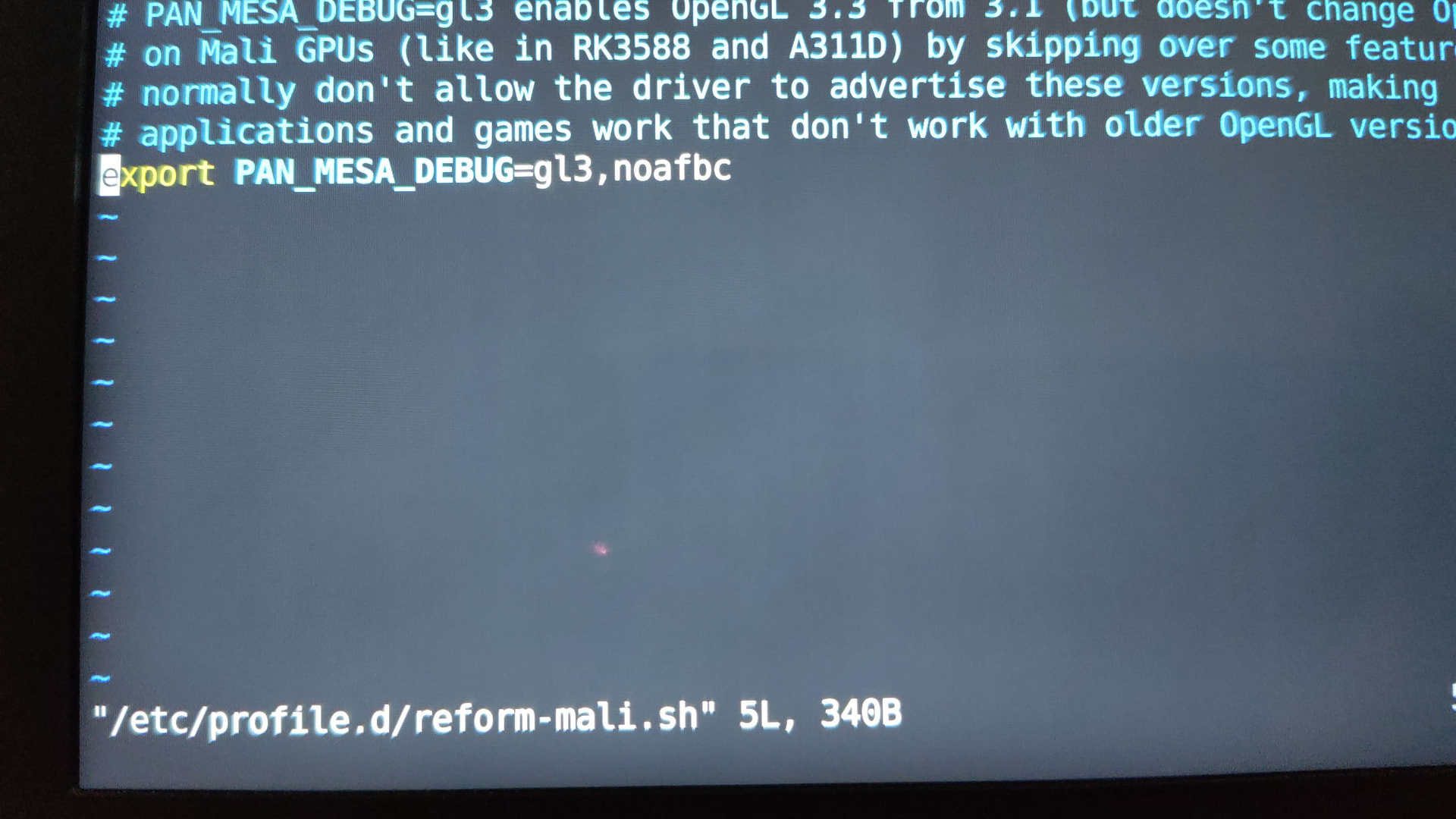
the noafbc flag does seem to fix it for me on my up-to-date Debian install.
Debian carries a downstream revert of this commit since mesa 25.0.0-1.1 (0001-Revert-panfrost-Advertise-support-for-AFBC-32x8-spar.patch, Debian bug #1099032). Arch ships vanilla upstream.
I didn’t bring this to anyone’s attention at MNT because I assumed this was fixed in Debian. I checked and Debian Trixie and Sid both have versions above 25.0.0.
On my side I defined this variable in my zsh env file. I only use fullscreen windows per workspace on my Reform so haven’t checked with vertical or horizontal windows split, I will check as soon as possible.
Have you check the variable is really set on your session? I know this can be a silly question but who know