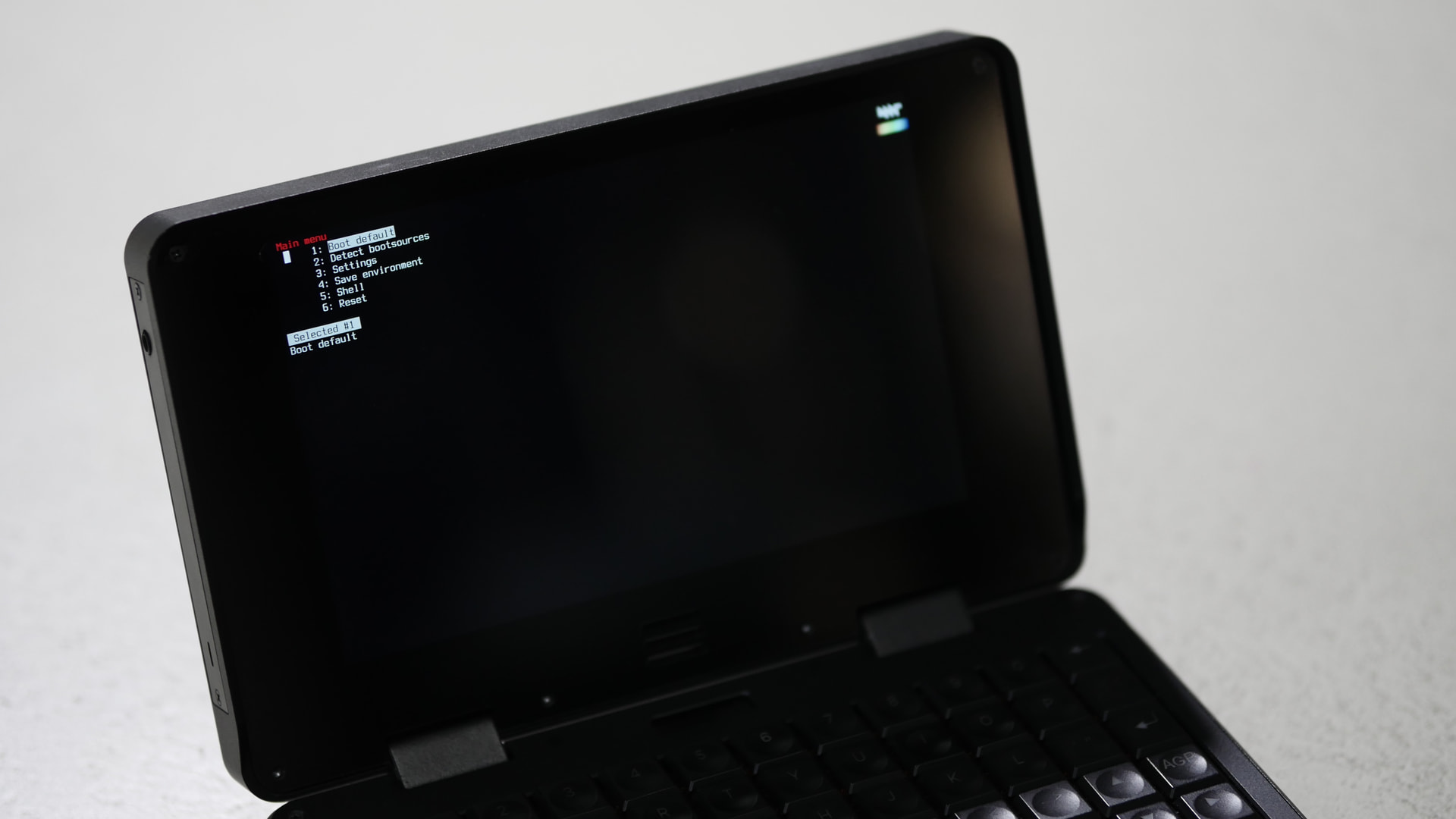
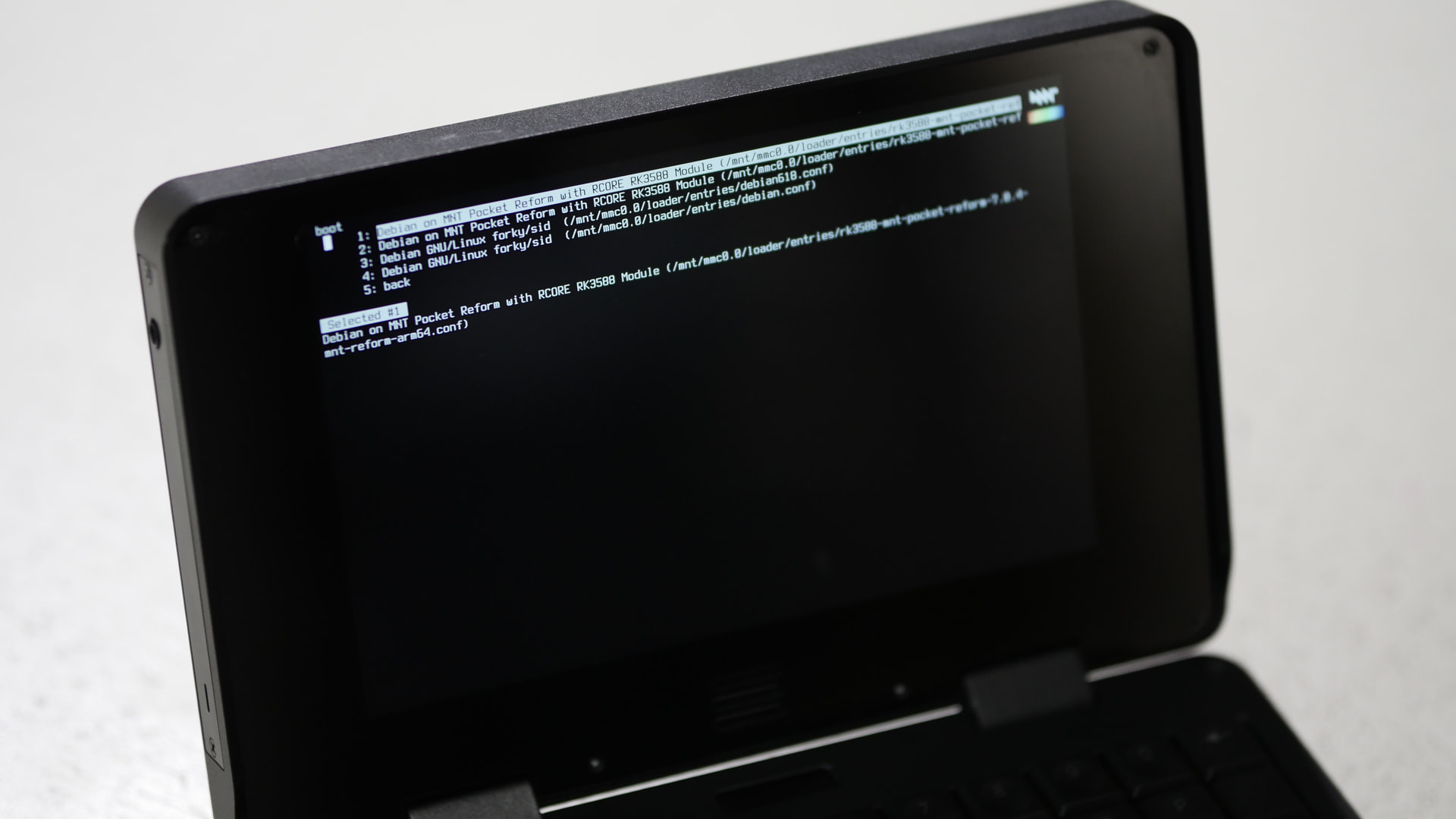
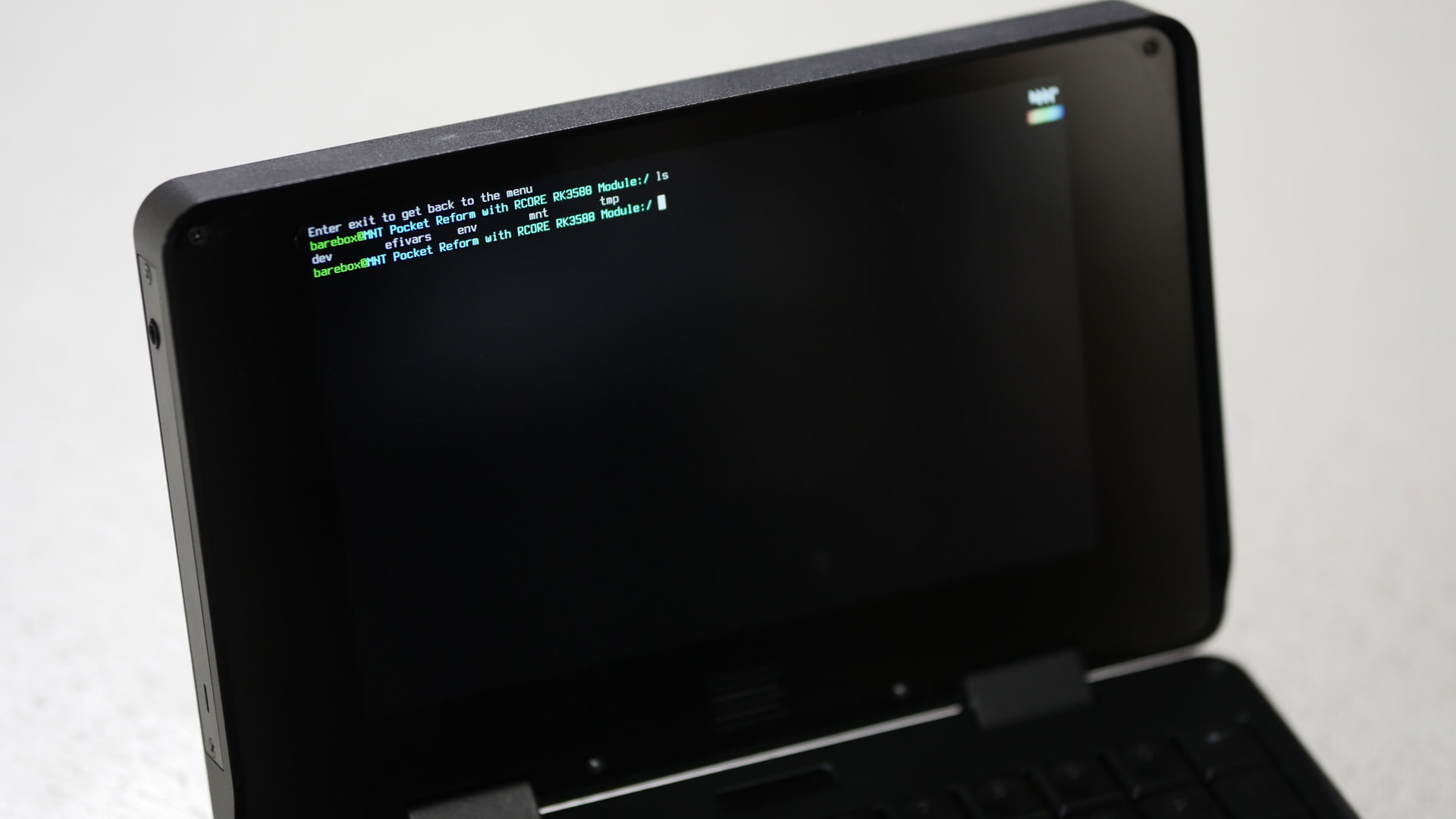
Barebox works very well on my RK3588 Pocket Reform and reliably boots my Debian stable system with /boot on eMMC.
I observed that to boot a system from sd-card, /boot on the sd-card has to have bootspec files in /boot/loader/entries/*.conf which are created since reform-tools 1.84. Older system images on sd-card with just boot.scr or extlinux.conf will not get booted by barebox.
Also note, that when booting with barebox, when the flash-kernel hook is run during kernel upgrades, flash-kernel will exit early with the message:
System running in EFI mode, skipping.
This is fine since reform-tools 1.87 which ships its own hook populating /conf/conf.d/default_root in case flash-kernel doesn’t do it. This is also the point where you could try out performing a sudo apt remove flash-kernel. Your system should still work fine afterwards. We are experimenting with a system without flash-kernel in this MR:
[    3.400631] panel-mnt-pocket-reform fde30000.dsi.0: [display] init in prepare...
[   10.736624] panel-mnt-pocket-reform fde30000.dsi.0: [display] init in prepare...
the first one does not make the panel work (which I think should), but the second which is triggered by the previous script does.
Tried 5 scenarios:
latest official os image on sdcard
latest official os image on sdcard with the hack
latest official os image on sdcard with hdmi
debian/trixie on emmc
debian/trixie on emmc with the hack
The two scenarios without the hack got consistently a blank screen, the two with the hack got consistently a working panel, and when HDMI was connected to a monitor, both internal panel and hdmi worked.
You can also force the panel work by:
setterm -blank 1, after screen is blanked/resumed panel works (kernel logs “panel … init in prepare …”)
setterm -blank force -term linux </dev/tty1 >/dev/tty1
setterm -blank poke -term linux </dev/tty1 >/dev/tty1
inside a wayland session by enabling and disabling a display, like with wdisplays command.
Dmesg from latest Debian/Sid booting from both u-boot and barebox:
I’m adding to my previous post that my Pocket with display panel v1, with an HDMI monitor attached, boots correctly with both internal panel and HDMI active.
Very excited about this and the possibility of having OpenBSD on the Pocket. v1 panel. However, writing the image to an SD card and then trying to boot from it led to a blank screen. I didn’t zero the emmc (because I was scared to because of upcoming travel) but given that booting with the card inserted did something I’m not sure that’s the problem. I’ll try it with external HDMI next time I get a chance.
edit. I haven’t tried external HDMI yet, but I zeroed out the SD card this time and the boot happens as normal, i.e., I don’t think SD card boot is working unless I actually zero the eMMC, which I don’t want to try and do just yet. The dd command has a seek=64 which I dutifully copied, but there was an existing boot partition on the SD card that I was reusing, so I suspect the existing bootloader was trying to use it.
Please correct if I am wrong, but this is what I understand:
RK3588 looks for a bootloader (ie: u-boot or barebox), the first found is run. First on eMMC, after on sdcard. The current official bootloader is u-boot.
Then, once the bootloader has been loaded it looks for bootable media (boot entries defined on /boot), first on sdcard, later on eMMC.
Because there is a bootloader (u-boot) on the eMMC, the computer never looks for a bootloader on the sdcard. If you remove the bootloader code from the eMMC, the RK3588 will look for a bootloader on your sdcard, and this opens the possibility to boot both from barebox or u-boot, depending on what the inserted card has on it.
Once you do your tests and decide what you want to stick with, be it u-boot or barebox, you write it to the eMMC. You can move between them at any time. Of course, an incorrect write of the bootloader image to the eMMC can leave the computer in a non-bootable state, so do with care.
After tracking down a system image just in case for recovery purposes, I got brave and did the installation. Overall, it seemed to work just fine out of the box without any other tweaks, so it’s installed on eMMC now.
There was a bit of a scare where booting from SD worked fine but after installation, the display was repeatedly glitching out during later stages of boot and the system controller was reporting “syntax error” on the OLED screen, but I think a clean power-down and restart seems to have resolved the issue.
Yes, as long as you have a bootloader on eMMC, RK3588 will ignore whatever bootloader you have on sd-card.
U-boot looks for boot.scr or extlinux.conf or bootspec.conf. It first checks SD-card, then it checks eMMC for these files. It tries loading the first it finds. The order is configurable when you build u-boot. Barebox currently prefers eMMC over SD-card. If you want to change that and make it the same as u-boot, change the value of $global.boot.default in arch/arm/boards/mnt-reform2-rk3588/defaultenv-mnt-reform2-rk3588/init/bootsource and rebuild barebox. Also note that extlinux.conf support in Barebox is experimental. It was only added a few months ago. Both barebox as well as u-boot support efi which looks for /boot/EFI/BOOT/BOOTAA64.EFI. I am not sure about the order in relationship to boot.scr, extlinux.conf or bootspec files.
Yes.
Yes. One way to do that without having to worry about also nuking your partition table is to run:
reform-flash-bootloader --zero emmc
Yes.
Yes.
You can move between them easily as long as the bootloader is not borked because if you cannot boot your system, flashing a non-broken bootloader to eMMC is more tricky.
FYI, tried to boot the OpenBSD installer just now. barebox chains to the OpenBSD bootloader okay, but the internal panel goes blank. I thought about the fb0.register_simplefb options, but none of those seem to help.
When I next get a chance I’ll try some things like hooking up an external monitor or a serial console but that might have to wait a few weeks.