Installing plymouth

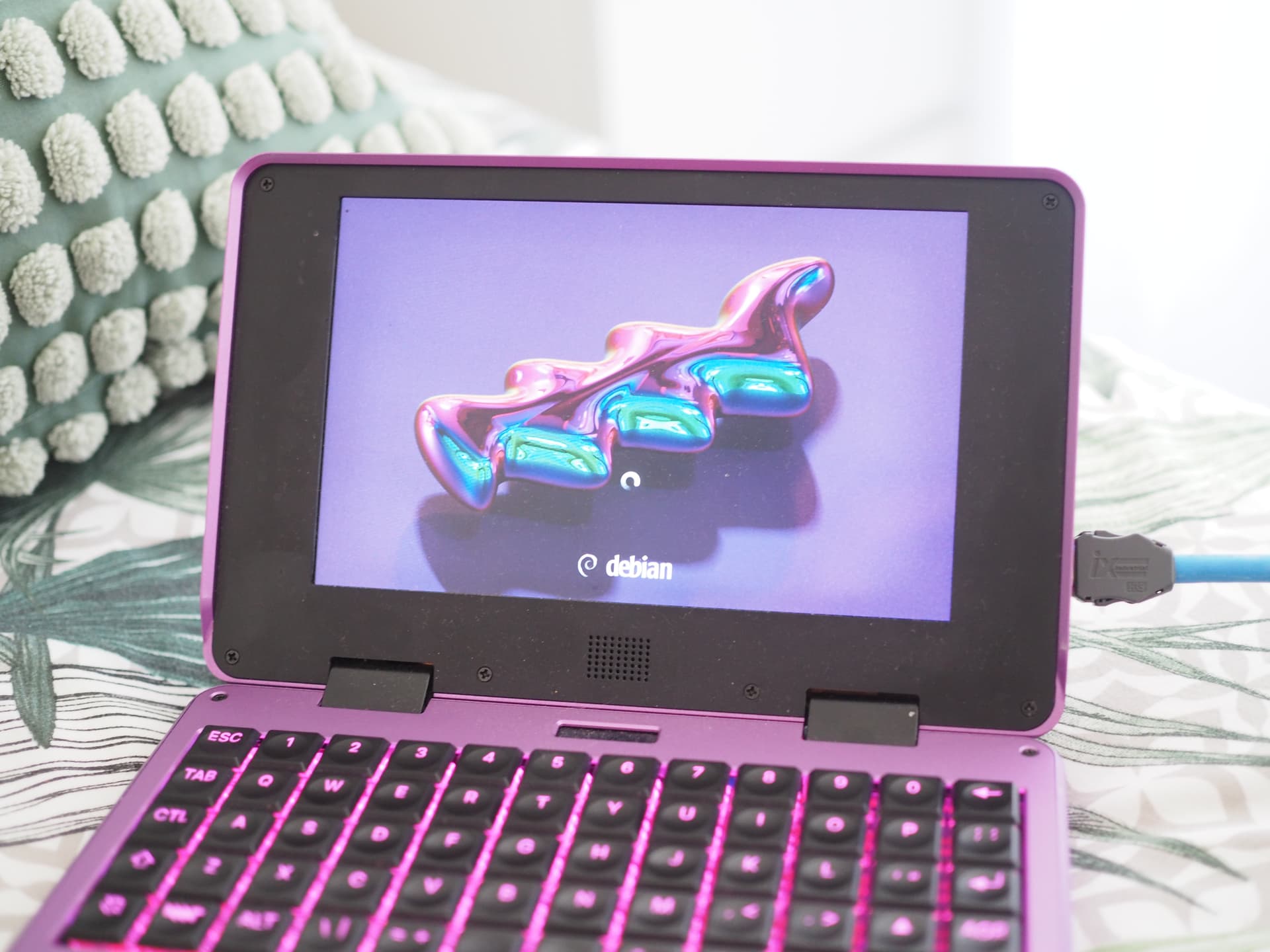
I have started to add a very simple plymouth theme based on the two-step module and added it as this reform-tools MR:

It just shows the Y2K wallpaper (thus avoiding the non-free-ness of the MNT logo) and a spinner:

I prepared a system image to test this:

sudo bmaptool copy https://source.mnt.re/josch/reform-system-image/-/jobs/12900/artifacts/raw/reform-system-any.img.gz /dev/mmcblkX

(replace /dev/mmcblkX with the device of your sd-card)

After much trial and error, I was able to get plymouth working!

In /usr/share/u-boot-menu/conf.d/reform.conf, it says:

# Thus, if you want to make changes to the Reform defaults found in
# /usr/share/u-boot-menu/conf.d/reform.conf you should put them into
# /etc/u-boot-menu/conf.d/reform.conf

I had to install and configure plymouth, but also to edit that file with:
U_BOOT_PARAMETERS="ro no_console_suspend cryptomgr.notests video=DSI-1:panel_orientation=left_side_up splash quiet \${bootargs} console=tty1"

I’m not sure why my situation was different, but I hope this helps if anyone else is stuck.

3 Likes

Nice! On Pocket Reform, yes? Which cpu module are you using?

Yes, on a pocket reform with the RK3588.

The boot config overrides were more convoluted on my system for some reason, but I am happy that it now works.