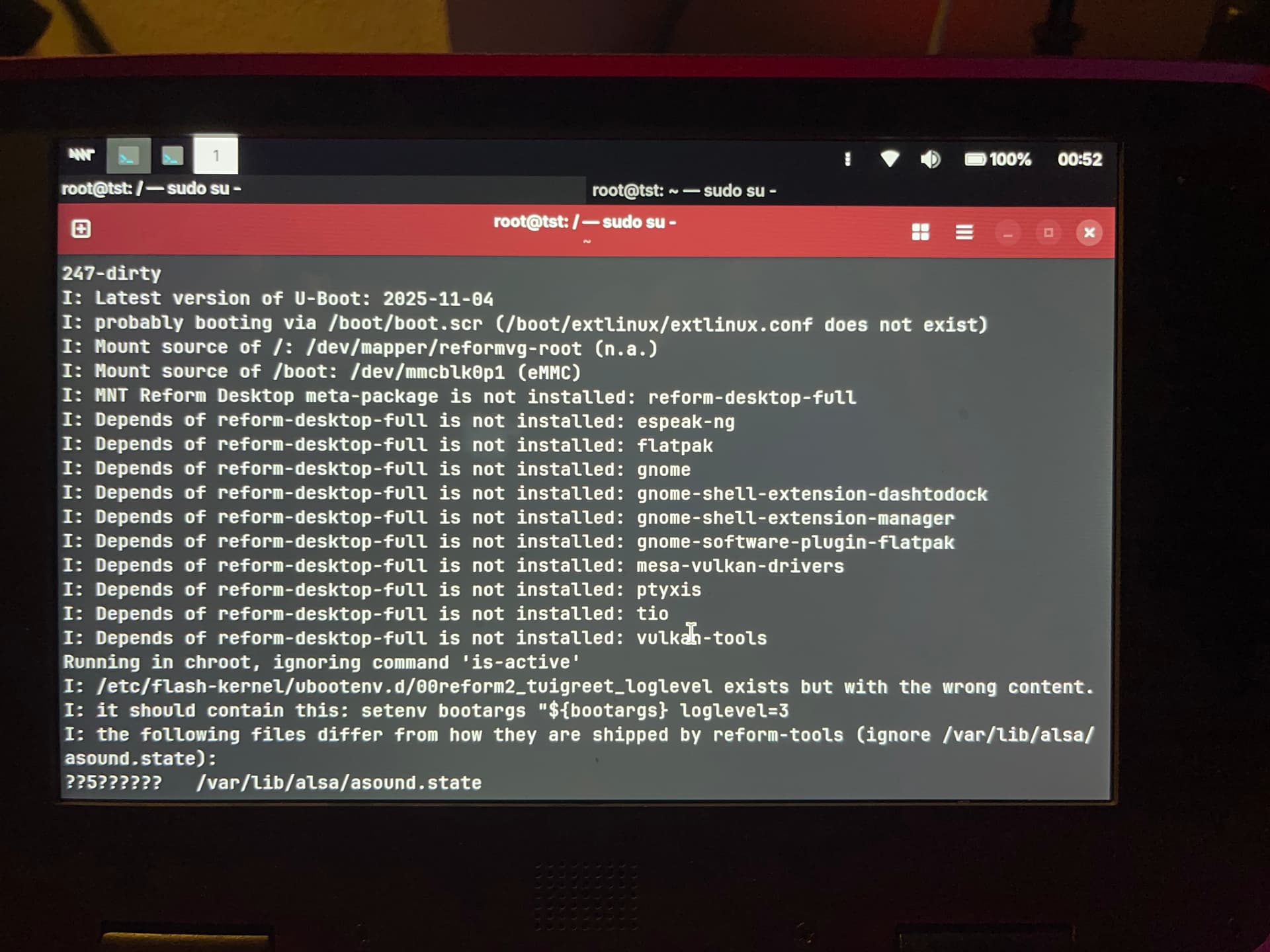
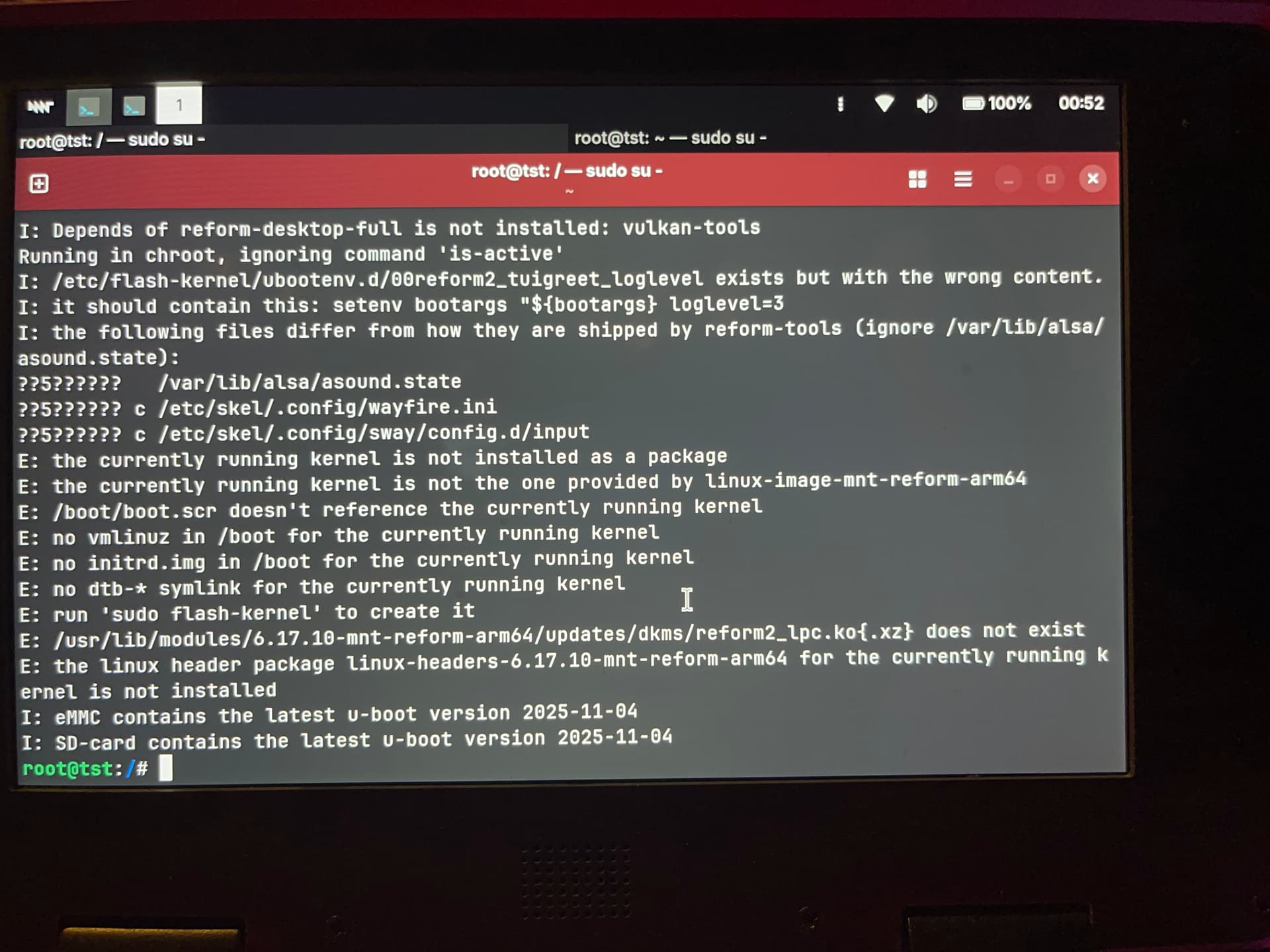
Before running sudo mount /dev/reformvg/root you could run:
sudo fsck /dev/reformvg/root
Make sure to have dmesg open in another terminal window that is visible at the same time so that if it freezes you can at least photograph its output.
Before running sudo mount /dev/reformvg/root you could run:
sudo fsck /dev/reformvg/root
Make sure to have dmesg open in another terminal window that is visible at the same time so that if it freezes you can at least photograph its output.
Hrm… all the lines involving the currently running kernel are unfortunately bogus because you are now running a kernel from Debian unstable which of course cannot be present in your Trixie system.
Unless somebody else has an idea I think the next step would be to connect an UART adapter and read out the serial output during a failed boot to SSD when the screen just stays black… 
You could try blindly running:
update-initramfs -u
Which will regenerate both the initramfs as well as boot.scr
wait, what about this setenv bootargs line? That seems broken with the single " in there but it’s what this script suggested I put in there so I copied that line into that file
wooooah you spotted a really bad typo!
Nononono you must close the double quote! Is this something you changed just before rebooting into the non-bootable state?
maybe, I’m not sure.
what should the line be exactly? Where does the closing quote go?
The closing quote goes to the very end.
I fixed this in reform-tools here:
That commit also contains the exact contents that file should have:
setenv bootargs "${bootargs} loglevel=3"
Do I need to do anything else after fixing that line before trying to boot from SSD again?
Yes. Run flash-kernel inside the chroot environment. That will regenerate your boot.scr which had a syntax error because of the missing double quote.
Also, that line was wrong sine JULY this year:
And nobody noticed! I’m so sorry that you had to run into this but it is also thanks to you that this was spotted. I would not’ve seen this and I bet the output on serial would’ve looked really cryptic because I have no idea how that syntax error would’ve manifested…
Ok, successful boot back into my normal OS from SSD. It was that typo that caused it. So, nothing to do with the firmware.
I took some notes for later, just in case.
Thanks for helping me through this
Thank you so much for finding the source of the problem! And thank you once again for beta-testing my broken software, reporting the bugs and for your patience with diagnosing the issue. 
You might want to add to your notes how to close everything again because the order of umount, vgchange, luksClose is important.
I got really scared when your system got locked up upon mounting the rootfs. o0
Yeah, I don’t know what other weird issues I kept running into. Like why the SD image didn’t boot into a graphical environment at first but after reflash and reboot it did. Or why the WiFi only worked after a reflash too. Or why flashing failed one time. Or why bmaptool didn’t work at all and I had to go back to dd.
If you have error messages for that I’d be interested in hearing those. I have been sending patches to b maptool upstream and am maintaining the package in Debian.
About the syntax error, I am pondering whether reform-check should run shellcheck on boot.scr. It would’ve printed this:
In - line 34:
setenv bootargs "${bootargs} loglevel=3
                ^-- SC1078 (warning): Did you forget to close this double quoted string?
[...]
In - line 137:

^-- SC1072 (error): Expected end of double quoted string. Fix any mentioned problems and try again.
This would’ve allowed to search for a syntax error. Maybe I’ll add this…
But first: bed 
/boot/boot.scr will now be checked for syntax errors if you have shellcheck installed:
That last image where the display is messed up — is that rare for you? I get that very often. Either a blank screen or that weird broken screen, exactly like that. I just boot again until it works. This issue has been going for a while, even after a motherboard replacement (which fixed another issue related to HDMI)