I just installed the latest system controller and input firmware (using the Gnome GUI app), and now my Pocket doesn’t boot anymore. It powers up, the keyboard lights up, but the screen stays black, not even the disk encryption password prompt shows up.
I have no idea what to do here
I can boot from an SD card with a fresh system image but only to a root text console, not the usual setup wizard for some reason.
I tried to run reform-check --offline and it doesn’t give any warnings or errors.
How do I get back to booting from my SSD? I’m completely lost here. I’m already having one of the worst weeks of my entire life and this is really the last thing I needed right now.
Please help;, anyone
josch
December 7, 2025, 10:25pm
4
It would be very interesting to see the output on serial.
You are on Debian stable with backports, right?
Could you have a look at the output of cat /proc/cmdline? Does it contain “single”?
That only checks the system on SD-Card not the system on your SSD.
Do you know how to chroot into your SSD? Is it encrypted?
yes
I don’t know how to do that
no, i don’t, and yes it’s encrypted
josch
December 7, 2025, 10:35pm
6
Okay, if you can boot from sd-card, then you can try running these commands to get a shell inside your encrypted system:
cryptsetup luksOpen /dev/nvme0n1 reform_crypt
vgchange -ay reformvg
mount /dev/reformvg/root /mnt
mount /dev/mmcblk0p1 /mnt/boot
cp /etc/resolv.conf /mnt/etc
mount -t sysfs sys /mnt/sys
mount -t proc proc /mnt/proc
mount -o bind /dev /mnt/dev
chroot /mnt
To get out, run exit and then unmount everything:
sudo umount --recursive /mnt
vgchange -an reformvg
cryptsetup luksClose reform_crypt
While you are in the chroot, you can try things like running reform-check (no need to use sudo because you are root).
It would also be interesting to see what you get with cat /proc/cmdline.
2 Likes
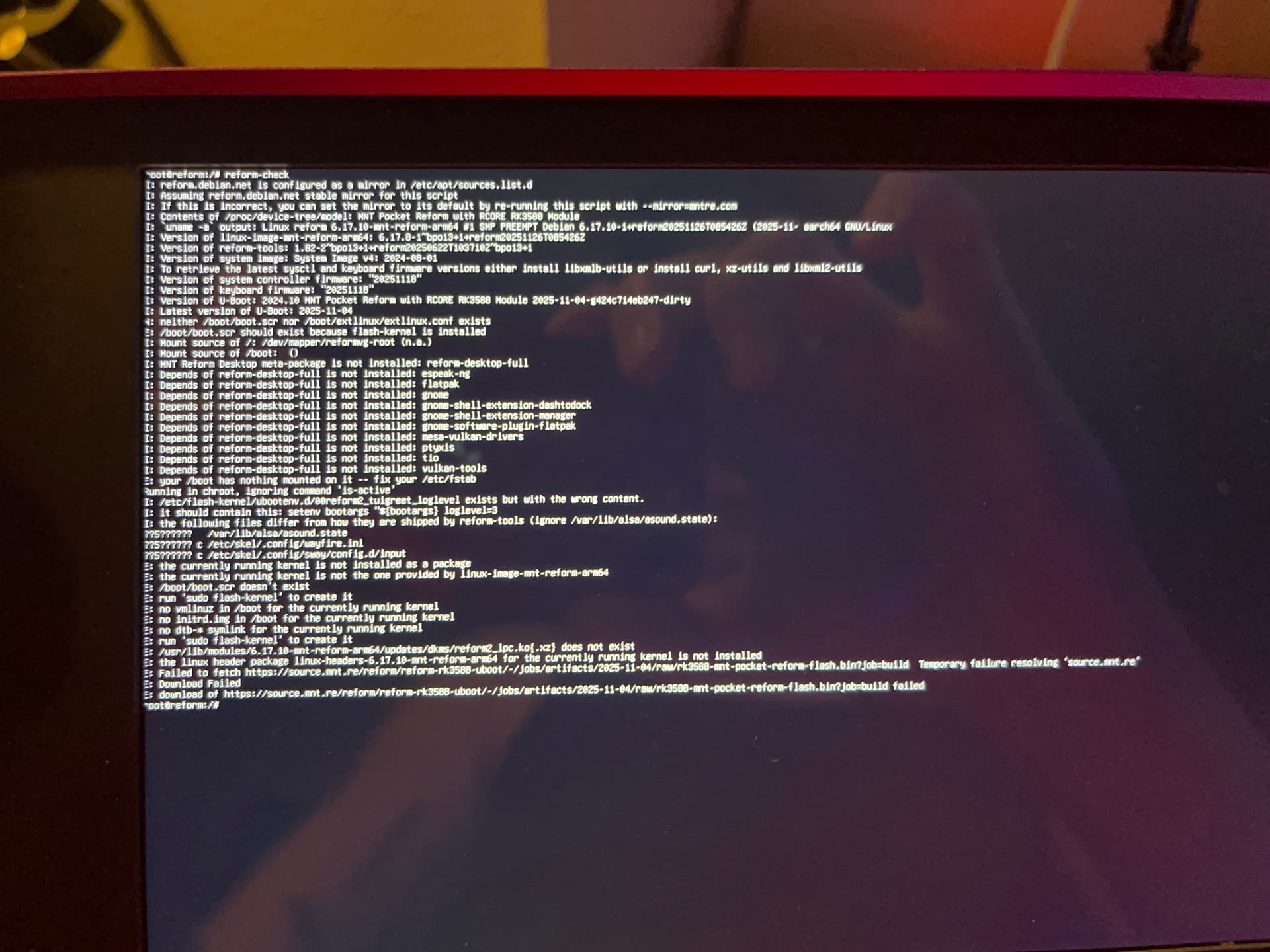
From inside chroot:
(I don’t know why the text is so tiny)
josch
December 7, 2025, 10:45pm
8
Thank you! I forgot two things in my steps above (I’ll also fix up my post).
From outside the chroot (run exit to get out) also do:
mount /dev/mmcblk0p1 /mnt/boot
cp /etc/resolv.conf /mnt/etc
The second command assumes you have internet on the outside. You could use nmtui to connect to your wifi.
nmtui gives me an error when I try to connect:
“settings plugin does not support adding connections”
josch
December 7, 2025, 10:50pm
10
sorry, i never saw this error – does ethernet work?
no, same error when I connect a cable
fuck, I accidentally exited the shell and rebooted and now my SD card is corrupted. I’ll flash it again …
josch
December 7, 2025, 10:59pm
13
In the meantime I have installed linux, reform-tools and reform2-lpc-dkms from trixie-backports on my Debian stable Pocket Reform in an attempt to reproduce your error but it boots just fine. I’ll now upgrade my firmware to the latest.
josch
December 7, 2025, 11:12pm
14
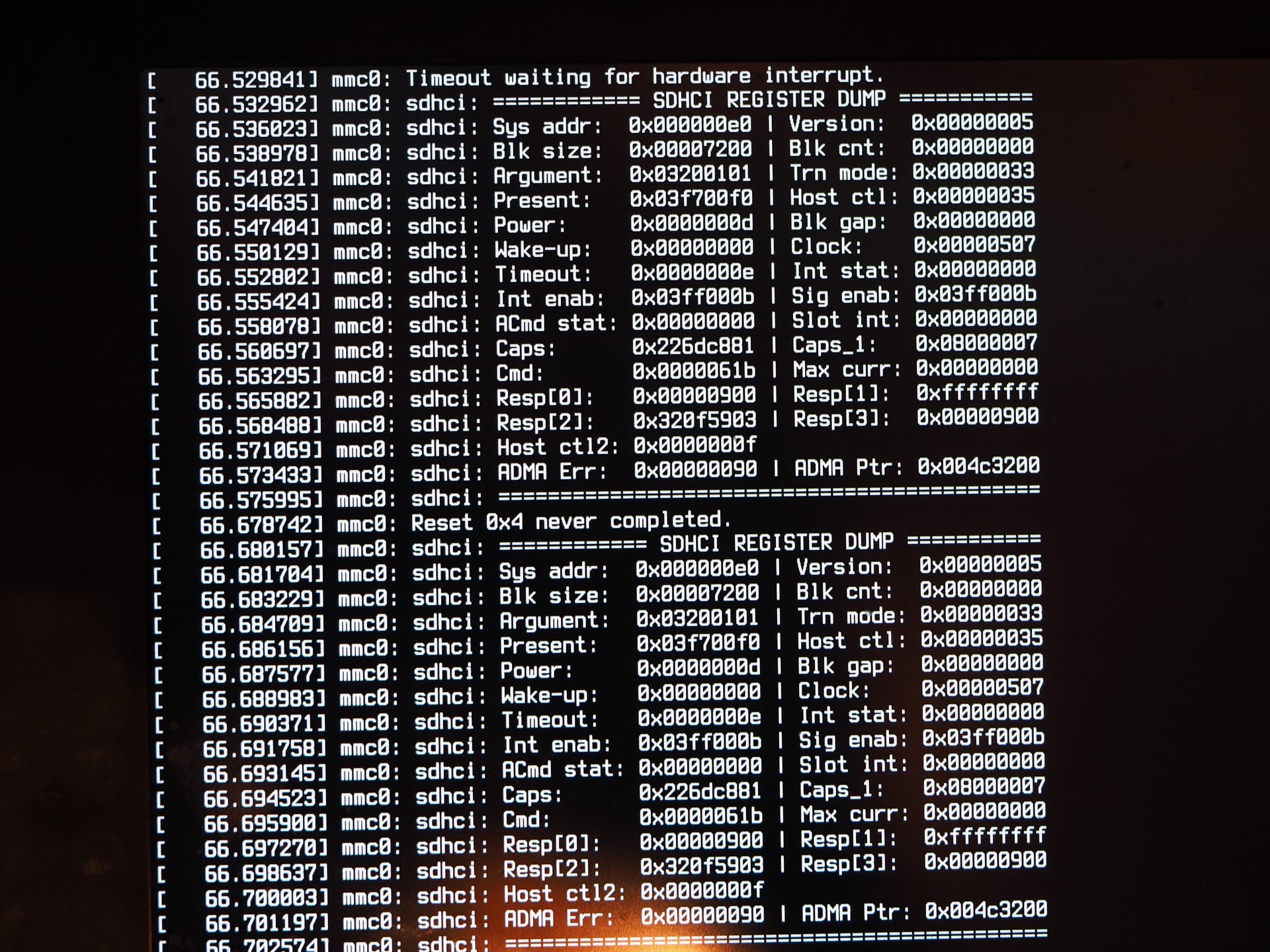
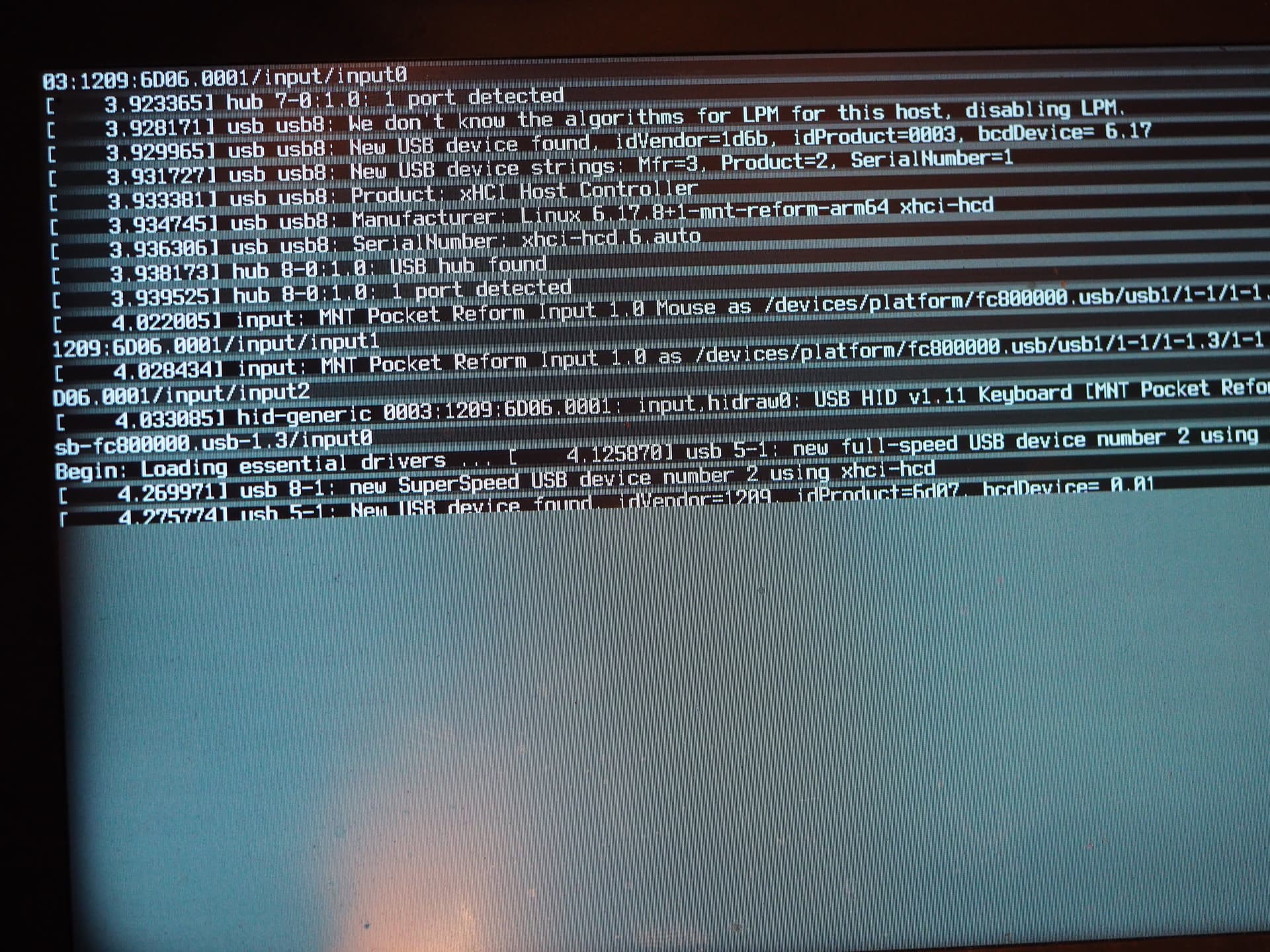
Oh wow I actually also had trouble after upgrading my firmware (no other changes to my system during that uptime). When rebooting I first was greeted with this:
Then this:
The next boot was just a blank screen, so I had to power cycle.
And only on the first try it booted properly. o0
I got a new image booted. somehow now it booted into the GUI desktop
Wifi works too now, no idea why it didn’t before
should I try to downgrade the firmware?
josch
December 7, 2025, 11:31pm
17
I don’t think the firmware should affect the system in the way it did for you.
And it also boots from sd-card just fine.
Could you again chroot into your encrypted system and run reform-check but now with /boot mounted and internet connected and /etc/resolv.conf copied?
this step freezes the whole system:
mount /dev/reformvg/root /mnt
josch
December 7, 2025, 11:38pm
19
Oh dear… maybe something is wrong with your SSD? Could you have dmesg open while running that mount command?
Maybe before mounting, try to fsck the filesystem? (also while having dmesg open)
how? I don’t know. what filesystem?