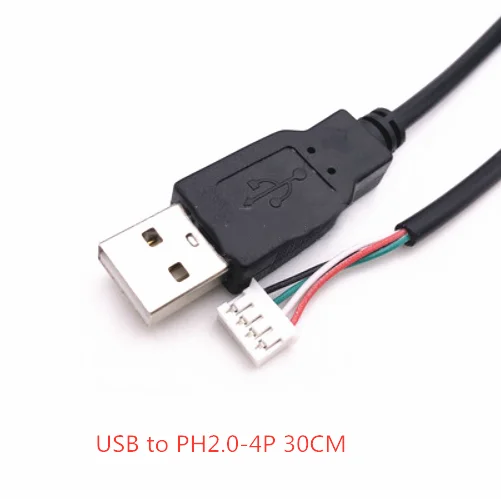
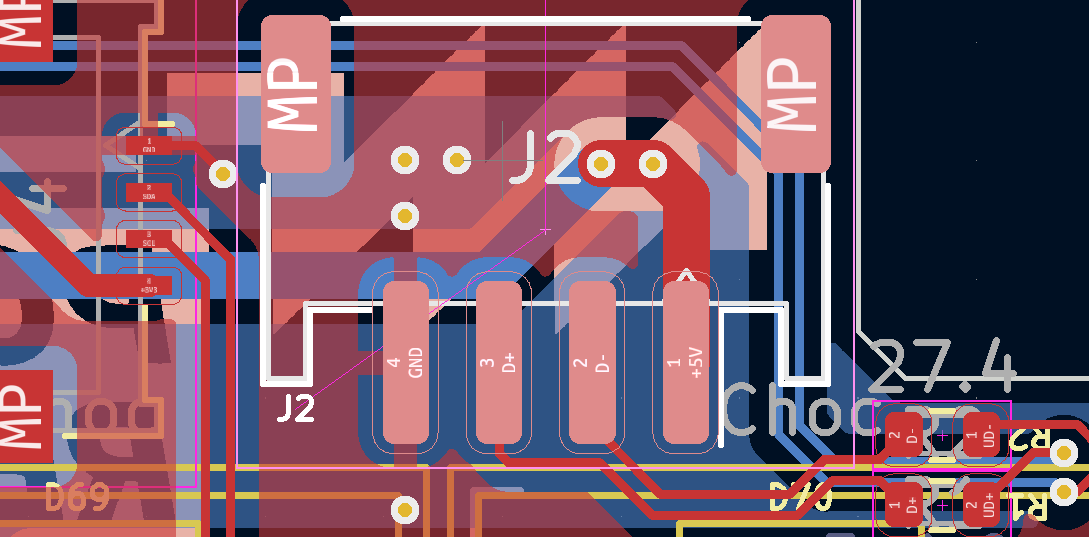
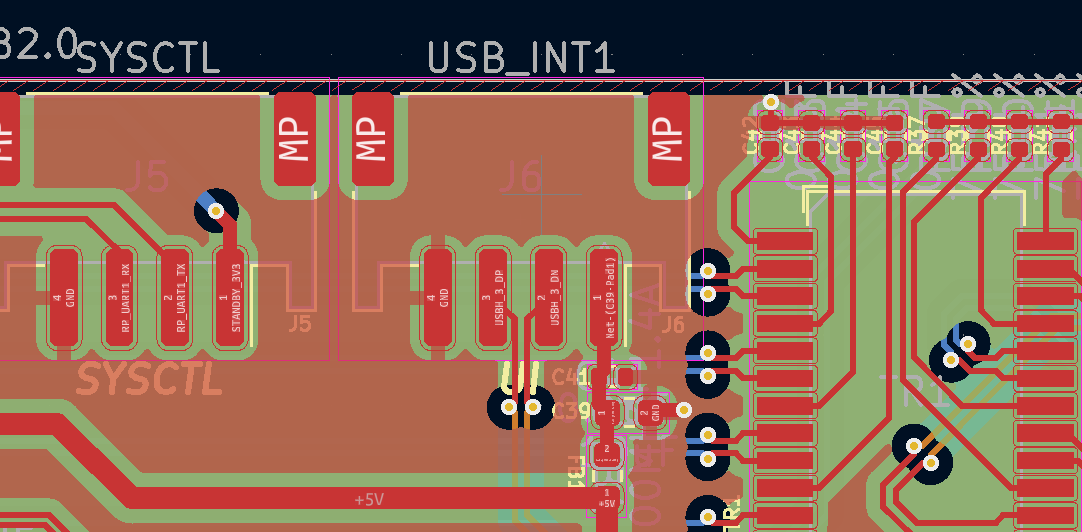
Is it possible to safely connect my Pocket Reform internal keyboard to an external USB host for development? If so, do I need something like a Unified Daughterboard or can I just connect the J2 JST PH connector directly to an external USB host with something like this cable? For development only …
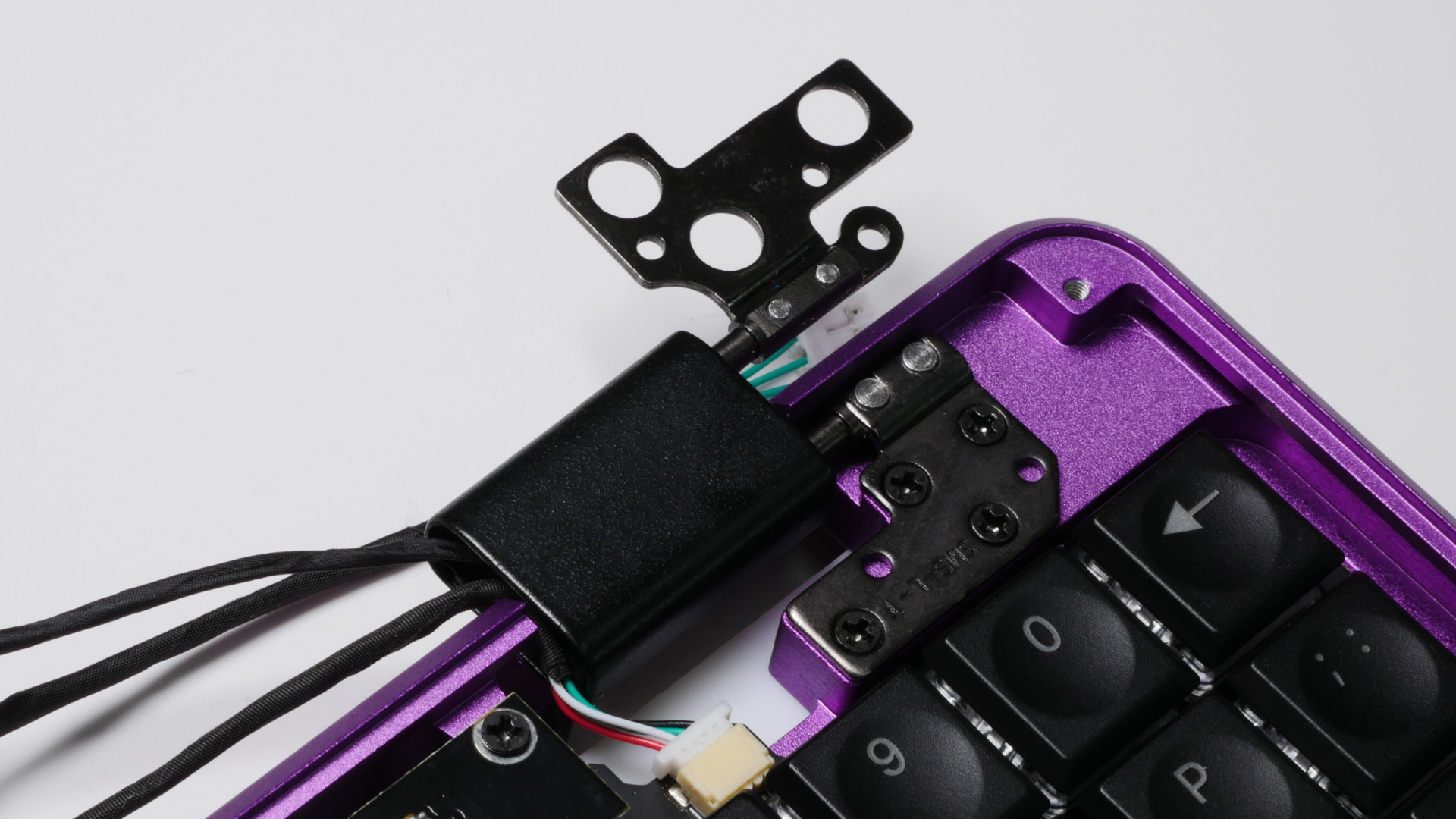
Can you confirm the wire colors of the Pocket Reform internal USB cable are reversed? I haven’t yet checked my own laptop but in the Assembly Manual they look like
In this listing the wire colors at the JST PH end look like they match those of the internal USB cable? but that’s the wrong polarity, if the USB A end has normal wire colors?
Awesome thanks @minute! If I’m careful, is it possible to completely remove the keyboard from my Pocket Reform and connect it to an external USB host for keyboard firmware development?
I’m reviving this thread because I have an extra pocket reform keyboard and I’m considering using it as a USB keyboard. @nottheoilrig, did you ever get this setup?
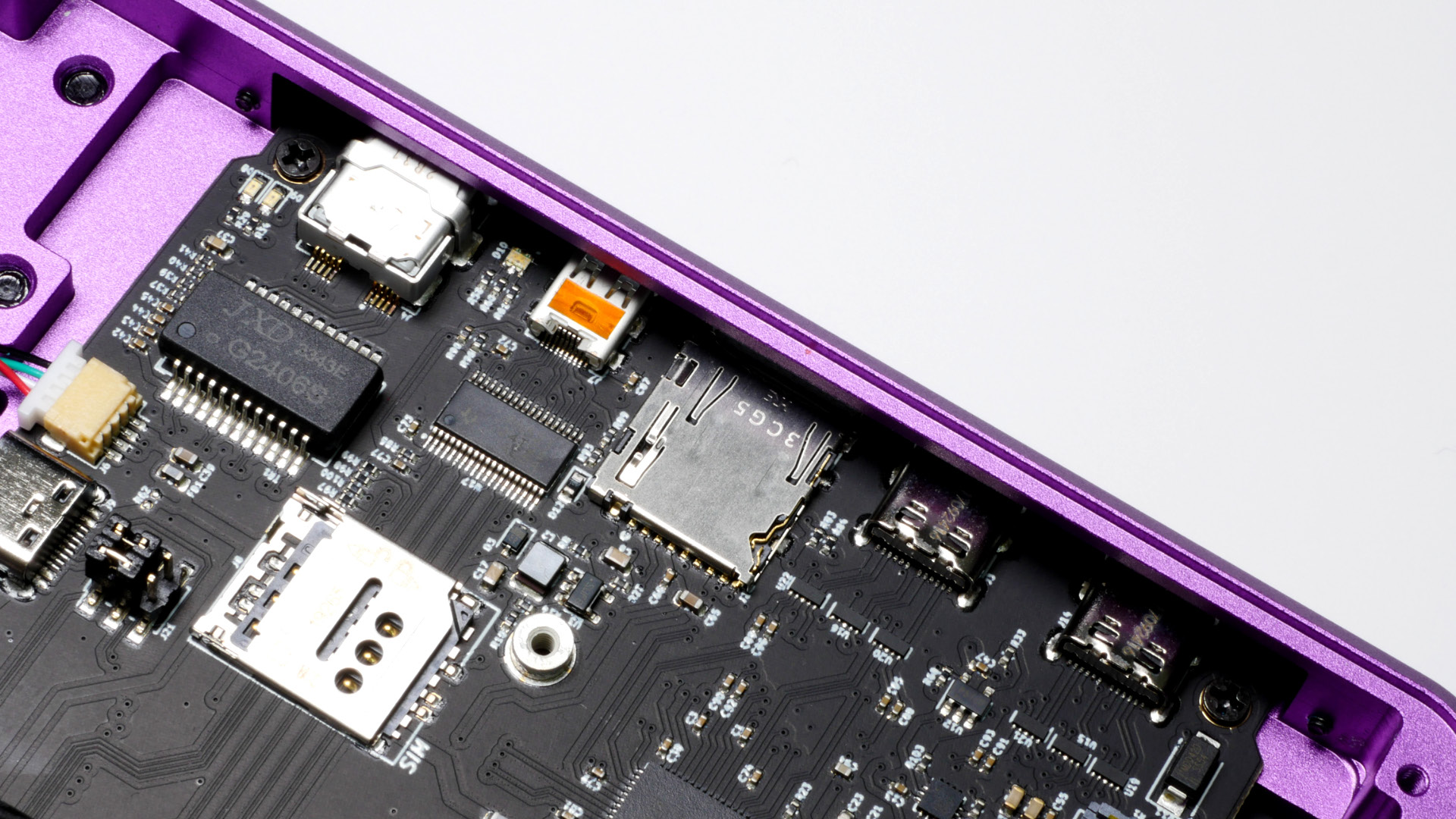
The keyboard is powered by J3 the sysctl UART not J2 the USB connector so you’d need to connect both or use some other workaround?
I learned about the recovery-mode sysctl firmware that boots the system when USB PD is connected, instead of depending on working keyboard firmware, so my current plan is to leave the keyboard in place and just use an external keyboard to edit the firmware. Or use the Pocket to “tether” another computer and flash the keyboard firmware remotely.