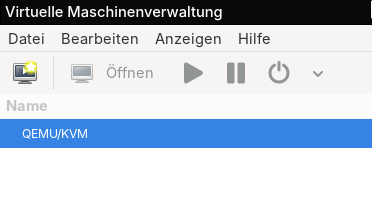
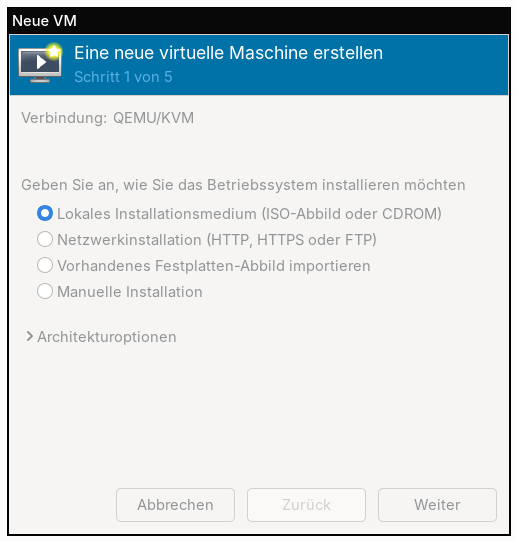
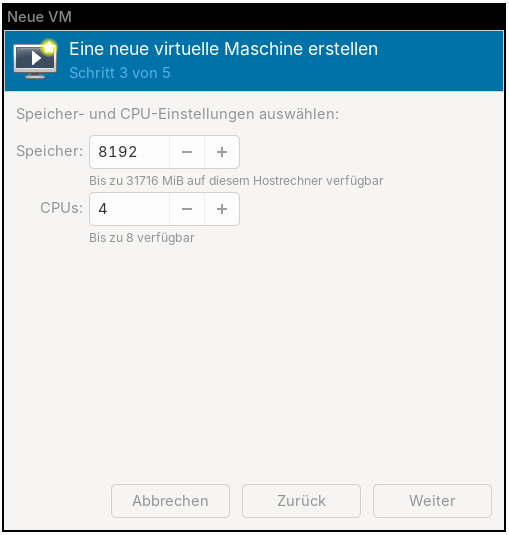
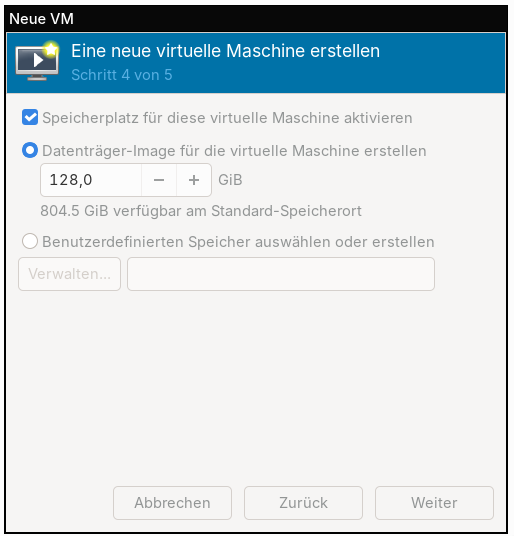
I suspect the problem is not QEMU but whatever it is that you use to drive QEMU.
I’m successfully using QEMU (including kvm acceleration) on all MNT platforms.
From the error message I suspect that the problem might be that the OS you are installing doesn’t do the right thing for QEMU on ARM or, alternatively, that whatever you are using is not doing the right thing to start QEMU in a way that the OS in your VM expects.
If you can give me a raw QEMU command line that works or does not work I might be of help. I’m working with multiple tools in Debian that drive QEMU+kvm.
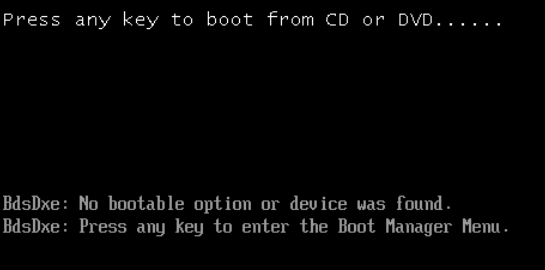
That error is the EDK2 UEFI boot manager telling you that it looked through the boot options and attached devices, but did not see anything with a bootable EFI loader.
A few things could be wrong:
Make sure the VM is actually ARM64, not x86_64 (easy mistake, ensure the VM Architecture is aarch64)
Is the Windows 11 ARM ISO directly bootable?
Check whether your ISO contains the ARM64 EFI loader
For #1, I think the GUI will tell you somewhere what the architecture is, but you can also check in the terminal:
mkdir /tmp/winiso
sudo mount -o loop WIN11-Arm64.iso /tmp/winiso

ls /tmp/winiso/EFI/BOOT/
You should see BOOTAA64.EFI.
Caveat: My Windoze knowledge hasn’t been well tested in a decade or so. I do run a x86_64 Windows VM for the odd task like recovering the emmc on a bricked A311D.
micha@mntremk:~/Downloads$ mkdir /tmp/winiso
mkdir: cannot create directory ‘/tmp/winiso’: Die Datei existiert bereits
micha@mntremk:~/Downloads$ sudo mount -o loop Win11_25H2_German_Arm64_v2.iso /tmp/winiso
[sudo] Passwort für micha:
mount: /tmp/winiso: /home/micha/Downloads/Win11_25H2_German_Arm64_v2.iso is already mounted.
micha@mntremk:~/Downloads$ ls /tmp/winiso/EFI/BOOT/
ls: Zugriff auf '/tmp/winiso/EFI/BOOT/' nicht möglich: Datei oder Verzeichnis nicht gefunden
micha@mntremk:~/Downloads$
Huh, normally I’d say you probably have a bad ISO but since you say this happens on Linux images as well, I’m less inclined to think that.
For the windows ISO there are a couple other tools for checking the contents…
sudo apt install xorriso  # if not already installed
xorriso -indev ~/Downloads/Win11_25H2_German_Arm64_v2.iso -toc
Or…
7z l ~/Downloads/Win11_25H2_German_Arm64_v2.iso | less
If I were in your place I’d want to be sure I had a “known good setup” first. I’d download something commonly run in virtualization on Arm.
Debian 12 netinst (arm64) is small, minimal, very well-exercised on aarch64 KVM since Debian’s own builds are often arm64.
Canonical does a lot of Arm testing too. Look for ubuntu-24.04-live-server-arm64.iso. I often use this as a “does my VirtManager setup work” test on Arm.
If you can get that working in VirtManager then try debugging the issue with your Windows ISO. It’s still possible that image is bad.
Virtualization is a tricky thing to get right, especially with Windows. Viel Glück!