im a 3d artist and im planning to order pocket reform soon, and i got a bunch of questions, some of them may seem stupid.
i follow minute on masto, and monitor #mnt and other reform related hashtags time to time, so i kinda have an image of its capabilities.
i realize, that i won’t be able to run my working projects even with external monitor, bc most of them are huge files including complicated geonode setups and shader node setups in recent versions of blender, and subs painter files which eat up my 48gb of ram at a snap of fingers on my main pc.
and even tho pocket reform seems to be closer to calculator performance wise, i still desire this cutie.
i have a bunch of tasks, pocket reform with be suitable dealing with, but most of them are tied with syncronisation with my main PC.
such as:
editing posts for my website offline (built with static site generator and managed with git)
sorting endless items in the download folder
sorting numerous image references for 3d assets
editing dozens of boards (aka drawio)
managing music lib
sorting photos
sorting email
and so on.
so i use Syncthing 24/7 to backup all my media content and my working projects to my current laptop.
and i have not dealt with ARM hardware whatsoever, so i expect to have issues out of nowhere.
so this question may seem really dumb, but still, do you guys (who own reforms or pocket reforms specifically) use syncthing? is it working allright?
next thing is gaming.
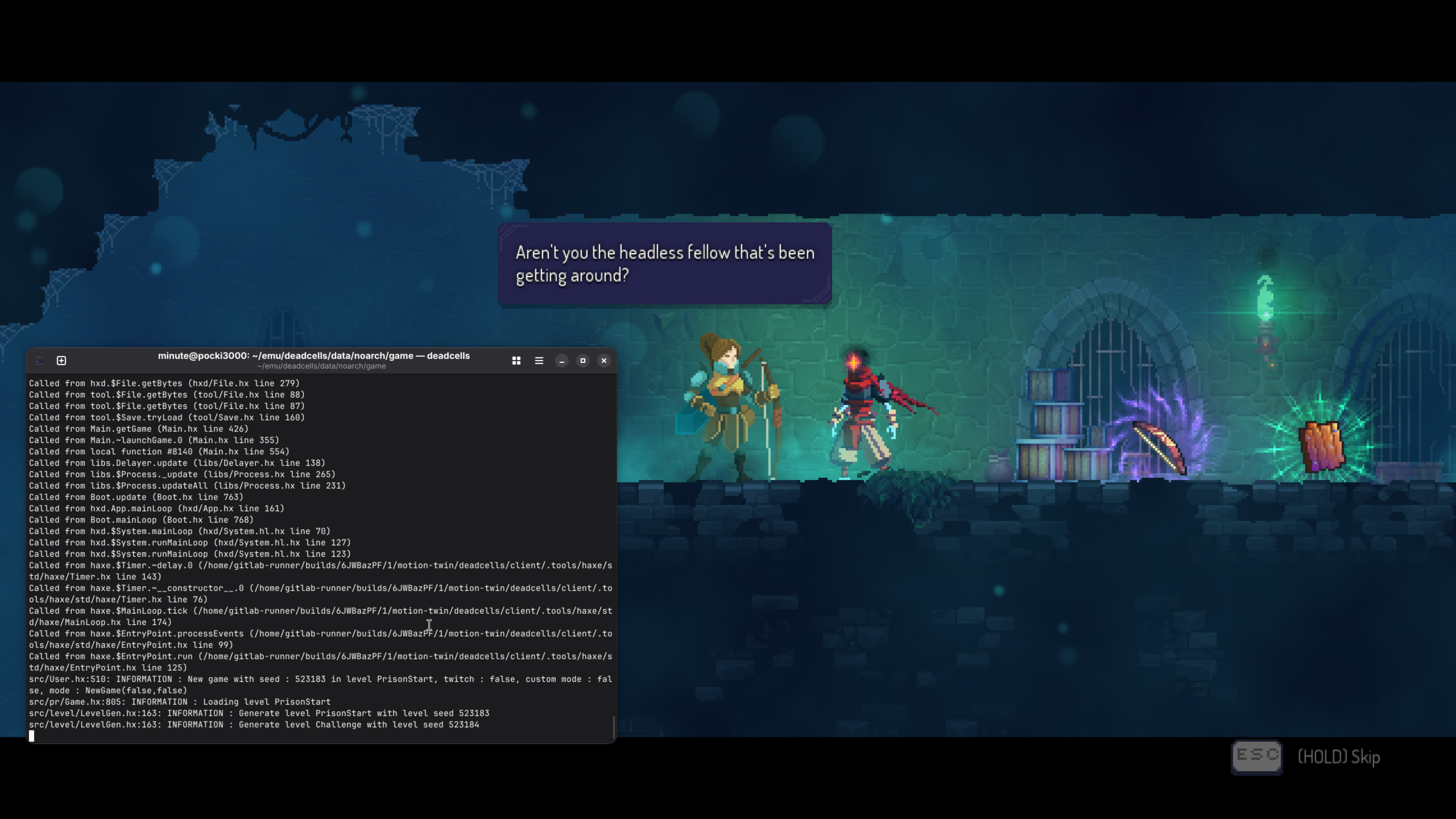
i like to play simple 2d games like Risk Of Rain 1 or Dead Cells from time to time.
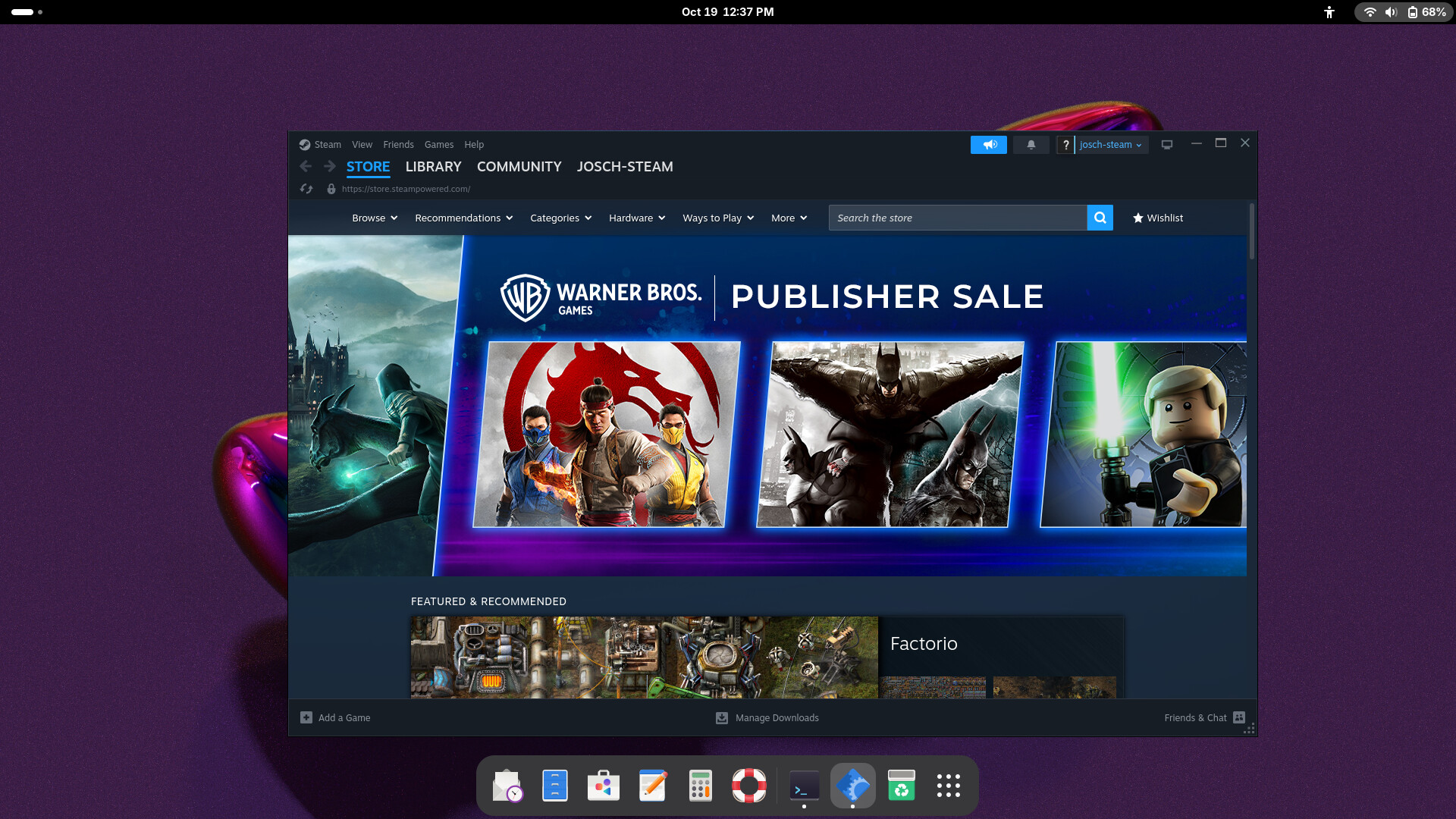
i’ve looked through the tread on this forum considering gaming, and PR seems to have an ability to run some games, but it can’t run steam?
can it run Athenaeum installation from flatpak?
I wouldn’t worry. Unless you want to do low level programming or have other very specific needs of software that aren’t already in the Debian apt-repository or Flatpak (flathub) repository, you’ll be fine. Syncthing is in the Debian (apt) repo so should work as expected.
I haven’t tested gaming yet so can’t say much there personally.
Linux (most games are Windows only, so you need to hope for good compatibility with wine)
ARM (most games are compiled for x86, so you need to hope for good compatibility with box64)
OpenGL (most games require recent OpenGL versions)
The two games you mention are compiled for Linux (but of course x86) and available on gog.com. Would you like me to try if they work on my RK3588 Pocket Reform? In general, you should probably make sure to get your Pocket Reform with RK3588 which is the platform with the best support for OpenGL and it’s the fastest one (which also helps).
Another data point: I’m using syncthing without issue on multiple rk3588 ARM linux SBCs, including a pocket reform, without any issues as near as I can tell.
thank you very much for your offering, i don’t want to bother you. gaming on a tiny laptop has the lowest priority for me, so it would be ok even if PR is not capable to run any games.
my top priority is managing media content on my drive and syncing with main pc, and since syncthing is working great according to replies, im good to go with the purchase.
Hi there, all your questions are perfectly legit, no worries. And all of the mentioned things you want to do should work on RK3588 Pocket Reform. And yes, we can ship to Armenia. BTW I play/test a lot of emulation and games on Pocket Reform. Risk of Rain (2013) has quite low system requirements so I’d expect it to work. I just tried Dead Cells from GOG with box64 and it didn’t work at first try even if it’s featured in the official box64rc file–I’d expect the author would help fixing that if needed.
Well, it’s a completely different instruction set than what are used with x86. So things are different on the lowest level. The accelerators you are used to with Intel and AMD like for encryption, video decoding and vectorization might not be present. Also since ARM isn’t a platform like x86 its more diverse from SoC to SoC requiring descriptor file at boot for the kernel to know where to find things. Then you have the weirdness in C that josh touched upon. On even higher level still you might have problem with missing libraries as they might be hard to port or they might not even work on that SoC because of missing features compared to the x86 counter part.
Just some of the things I was thinking of while writing that.
Sorry, I don’t know of any. There are probably some good youtube videos or texts out there but I learnt through school and reading up on why Linux on smart phones isn’t really a thing yet. Also there are most likely people on here that know a lot more on the subject than me. Especially practically.
Linux is a thing on smartphones, Purism and Pine64 both make dedicated devices and you can run PostmarketOS (Alpine-based) or Mobian (Debian) on those and some unlocked Android devices. Android itself also runs on the Linux kernel. I think what you may be referring to is that Android apps don’t run natively under normal Linux distros. You have to use something like Waydroid to provide support for Android SDK APIs and Android services under “vanilla” Linux.
The main reason that Linux smartphones are not more popular is not architecture incompatibilities, but rather that vendors of popular proprietary apps don’t make versions available for non-Android Linux. So most mainstream users aren’t interested, which means the market is small, so the hardware and software is less polished.
Now that Debian supports aarch64, you can run most Debian packages on Linux smartphones, but developers haven’t spent time to adapt many of them to small screen sizes. So they look weird unless you attach an external monitor.
I’m getting a whole bunch of “wrong ELF class” errors when trying to launch Steam after running the script, including if I launch it with box64 or box86