I am going to install the Intel wifi card on my RK-upgraded pocket. Are two antennas required, or desirable? Also, the antenna wires are much longer than in the directions, any suggestions on routing to take up the slack without causing interference? (I assume I’ll be using both.) I’ve taped down the wires a bit, not sure how else to place them to avoid the wires getting too close. Any ideas?
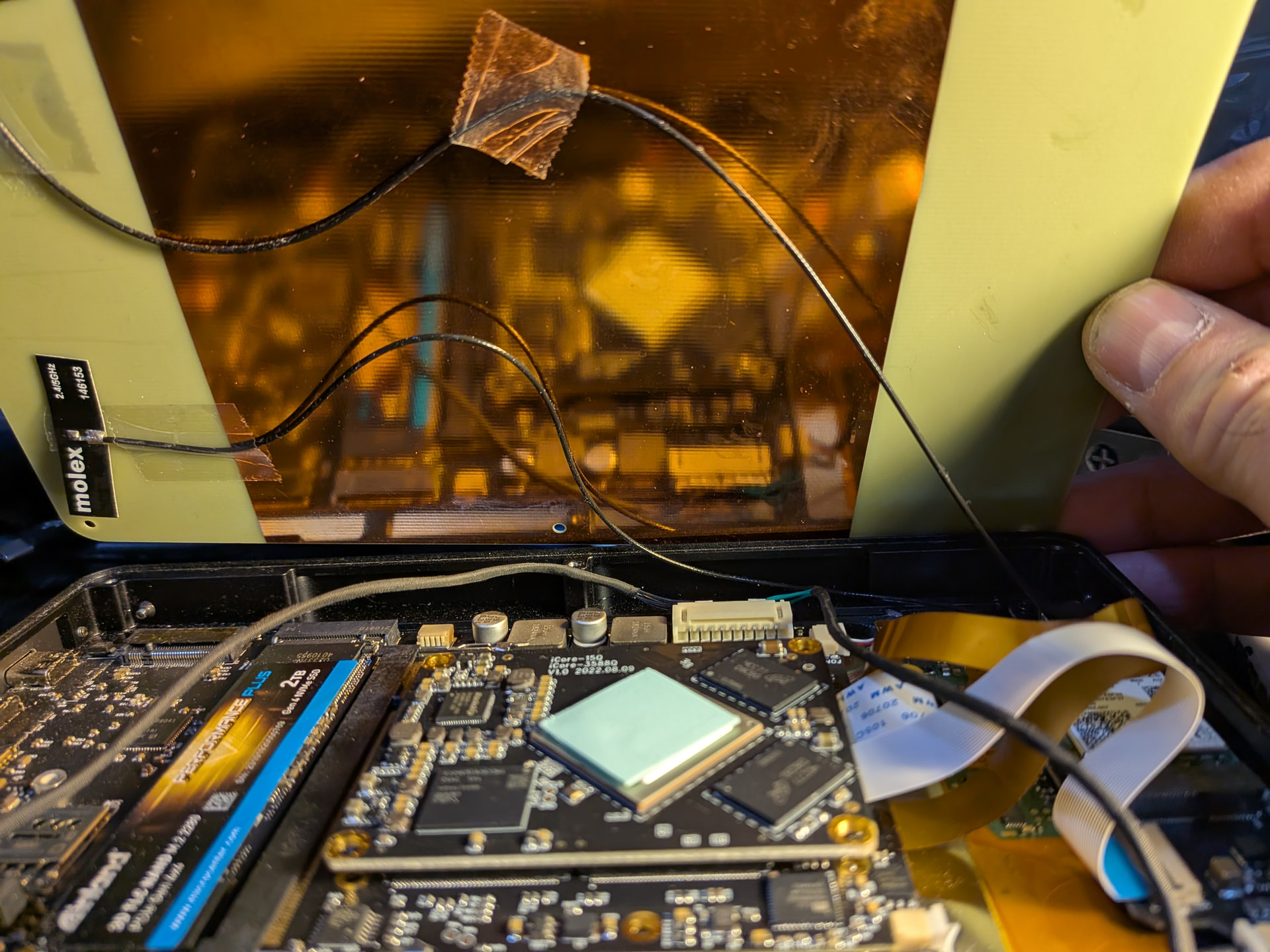
1 Like
Hey! I recently did this upgrade. I’m not sure if the way I did it is correct/the best way to go about it, but I did use both antennas and I ran them pretty close together to match the original antenna. Doing so meant little to no slack/the wires just kind of tuck in above the board when I close the machine up.
I did this to avoid the display cable EMI absorption issue that I saw mentioned by Lucie on mastodon. Again, not sure if what I did is optimal but thought I’d share. My wifi is wayyy better than with the old card, so if the antenna placement is a problem I have not noticed it yet. Bluetooth has also been good.
Here is a picture of what my placement looks like:
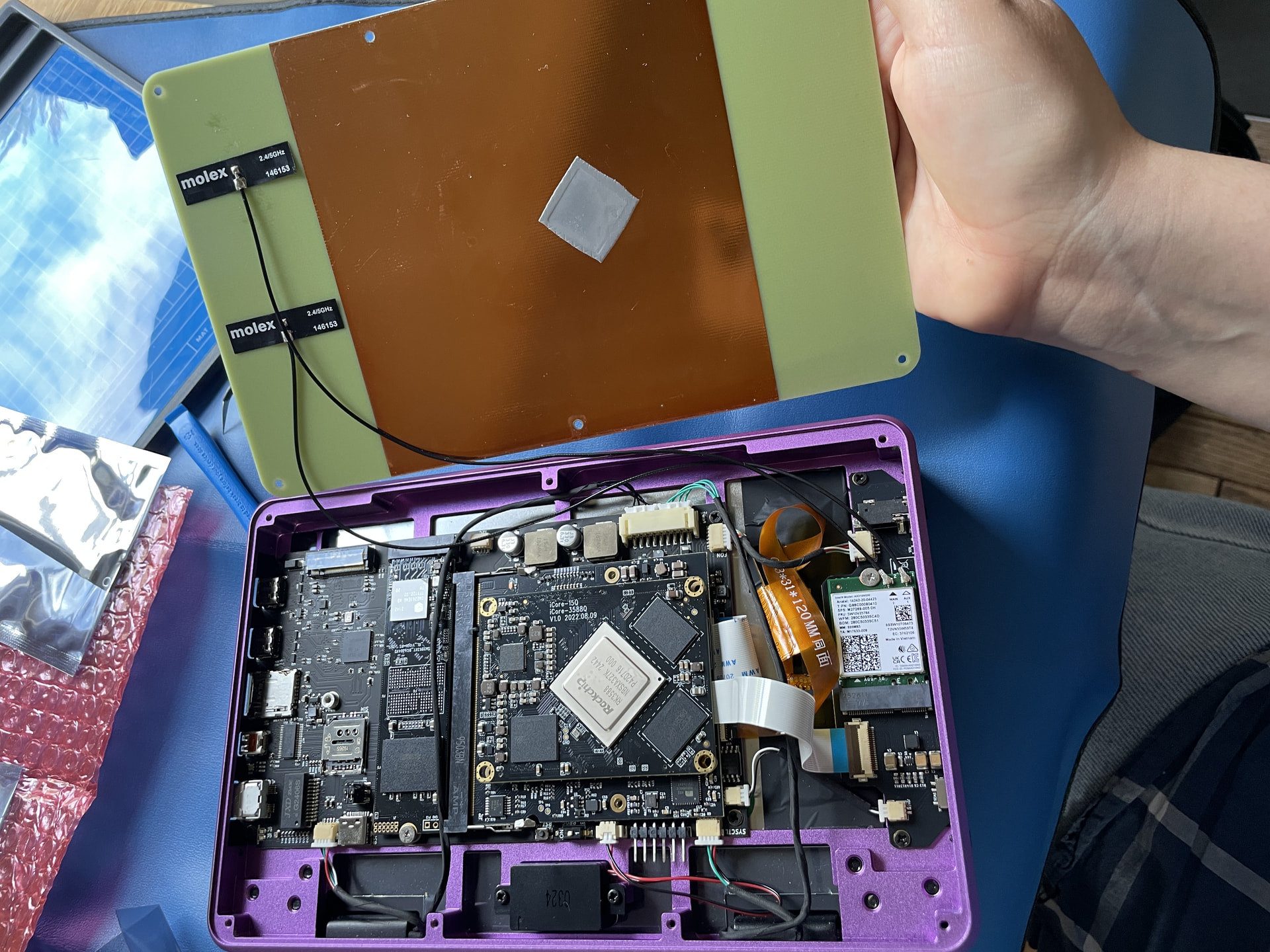
As far as I know, the two antennas attached to the wifi card work in diversity mode. The card uses the strongest signal of both. So they should be mounted in different angles (e.g. 90 degrees) so that they pick up the waves in different orientation. In parallel they look nice, but afaik this is not ideal in a technical sence.
1 Like