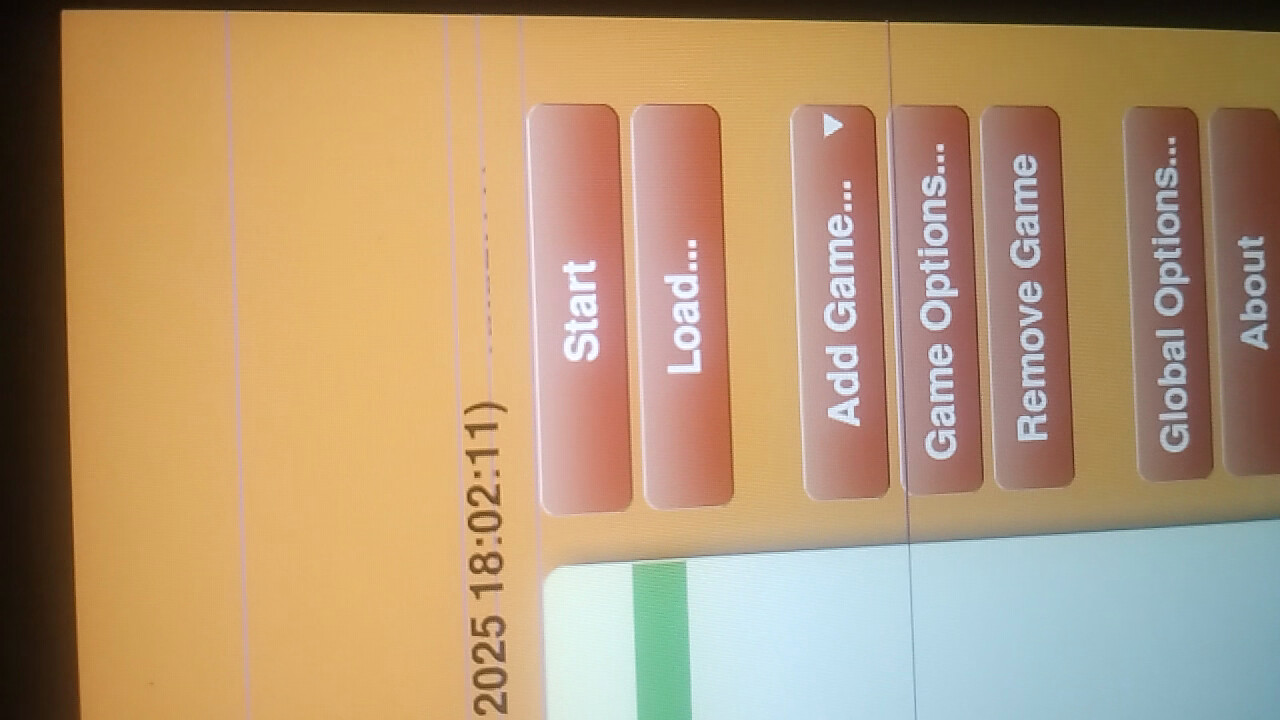
Just got a MNT Reform classic yesterday and while using it I noticed some strange screen glitches: flashes of horizontal lines, either white or different colors. Here’s a video I took of that.
Today I noticed a different type of glitch (although on reflection this second one may be an unrelated software issue, I’m not totally sure). But I’m still seeing the other type of glitches as well.
In both cases the glitches don’t happen when the laptop is first turned on, but seem to start after about 5-10 minutes of use. I noticed that the CPU temperature was 40-50 degrees, and they happened both when the CPU was under load and not under load.
My first theory was that maybe the display cable was pinched but two things seemed to rule that out:
Moving the hinge doesn’t cause the glitches to change, increase in frequency, or go away.
When I looked at the cable it did not appear pinched in any way (though it was a bit flattened looking).
My current thinking is that maybe this is heat-related, since that might explain why it doesn’t happen when the laptop is cold, just after starting.
I tried running GPU programs (e.g. glxgears) and playing Youtube videos. Neither seemed to make the problem worse or different.
Has anyone else seen something like this? Anyone have any suggestions for what else to look at or possible solutions?
I had some glitches with firefox on the rk3588 when it first came out but its been a few months since I’ve seen them. I don’t recall ever seeing them in the terminal. Does it only happen with btop?
That seems like a hw issue. Maybe reseat the display cables. I know there were issues in the past with the display cables picking up interference and causing visual glitches.
Sorry for bumping an old thread, but I do experiment the same behavior as @d_m, and it indeed seems heat related (classic reform, motherboard v3, RK3588 DSI).
Until recently temperatures were below 20°C here. No glitches. When temperature reached 25°C in my office (sigh), I started to notice these glitches while charging. But downstairs, where temp is around 18°C, no glitches even when charging.
Today, temperature reached 33°C. Glitches when charging, and when running on battery with some load (relatively light game, CPU and GPU at 60°C), which didn’t happen even with heavier gaming when room temperature was around 20°C (and CPU/GPU temp at around 75°C).
No glitches when using dual-screen with the HDMI output though (even if there’s some glitches on the internal screen at the same time), so, it doesn’t look like a frying or damaged gpu. I’ll try reseating the display cable this afternoon, to see if it correct this behavior, but @d_m , if you have some spare time and are reading this message, did you reseat the display cable and did it solved this glitches behavior?
Another question, but are glitches like this able to damage the display or any other component in the long run?
Please excuse any mistake in this post as english is not my first language.
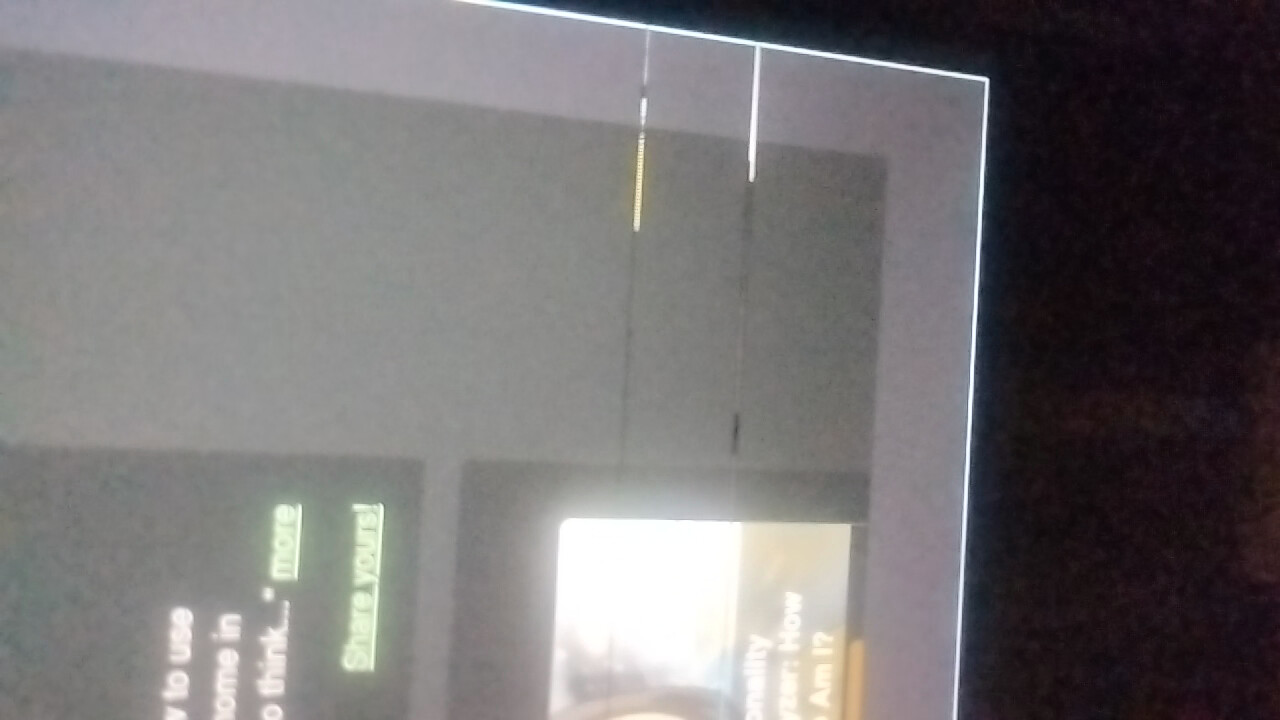
I was having similar issues. Briefliy flashing glitches on the screen but not via HDMI out. Attaching pictures for reference. I took contact with support and got a new display panel which solved the issue for me.
Thanks for your answer. Indeed your first picture looks quite similar as the glitches I saw, but not the second one.
I’ve reseated the display connector, and rerouted the display cable so it’s far away from the wifi card, and did some tests which seemed concluant (no more glitches while charging and poking around, warm room (around 34°C outside here, so it’s warmer here than yesterday evening)).
But indeed, if the problem persists, I’ll contact support, thanks for the info!
edit: still got glitches yesterday evening, will check/reseat connections on the screen side, and contact support if it still persist
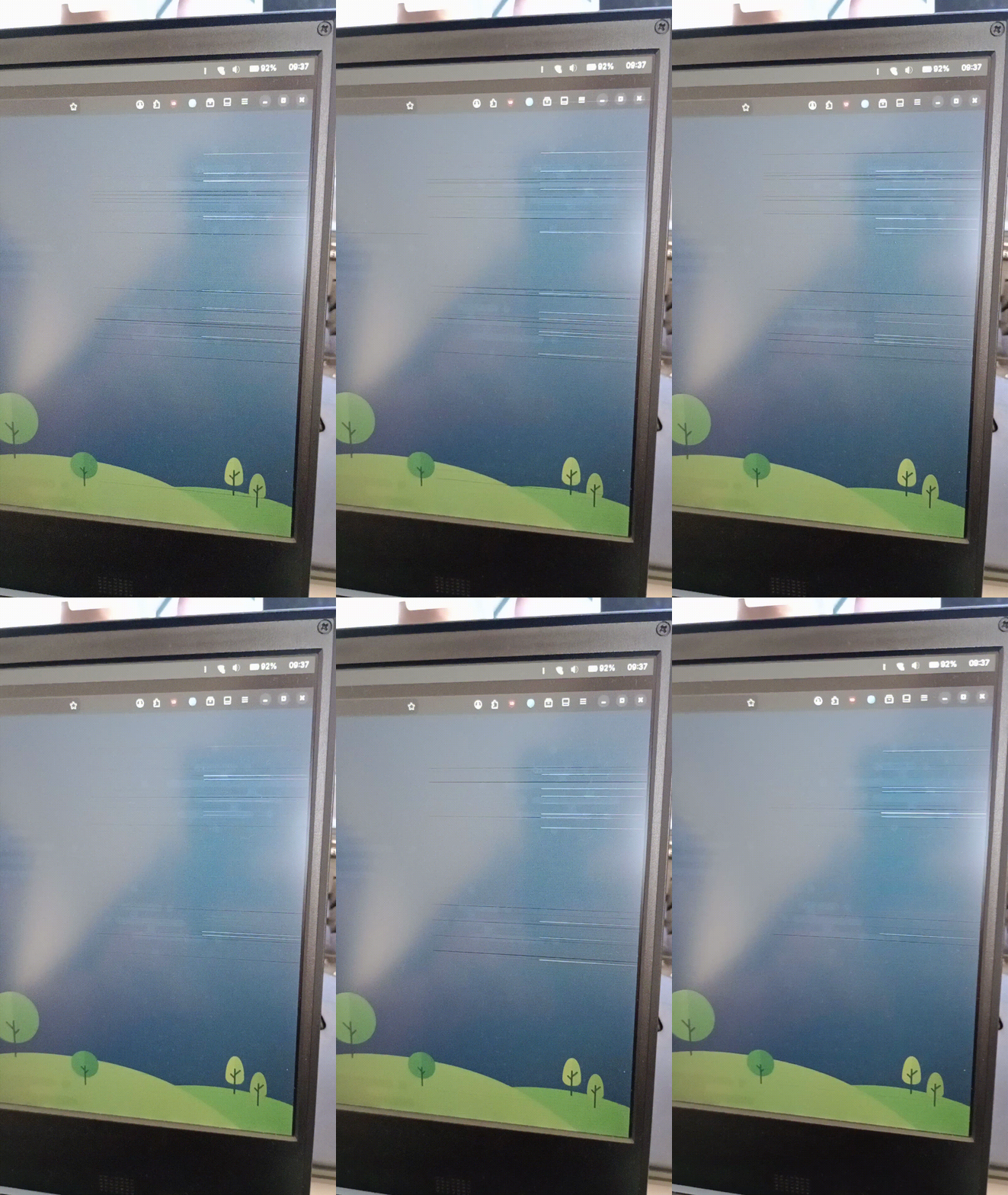
Small update, not yet tried to reseat connector display side, but in my office, it’s 30°C right now, and glitches are worse than downstairs where temp is around 25°C (low fps gif to avoid posting a big file):
Just a heads up, the problem here was solved by @minute yesterday evening, by changing the horizontal timings for IVO panels.
No more glitches since, even when stress-testing it (warm room, around 30°C, 2 hours playing 3D games)! The fix is available with kernel 7.10.0-1+reform20260529T204702Z.
Thanks a lot to the MNT team and Minute for fixing it so quickly!