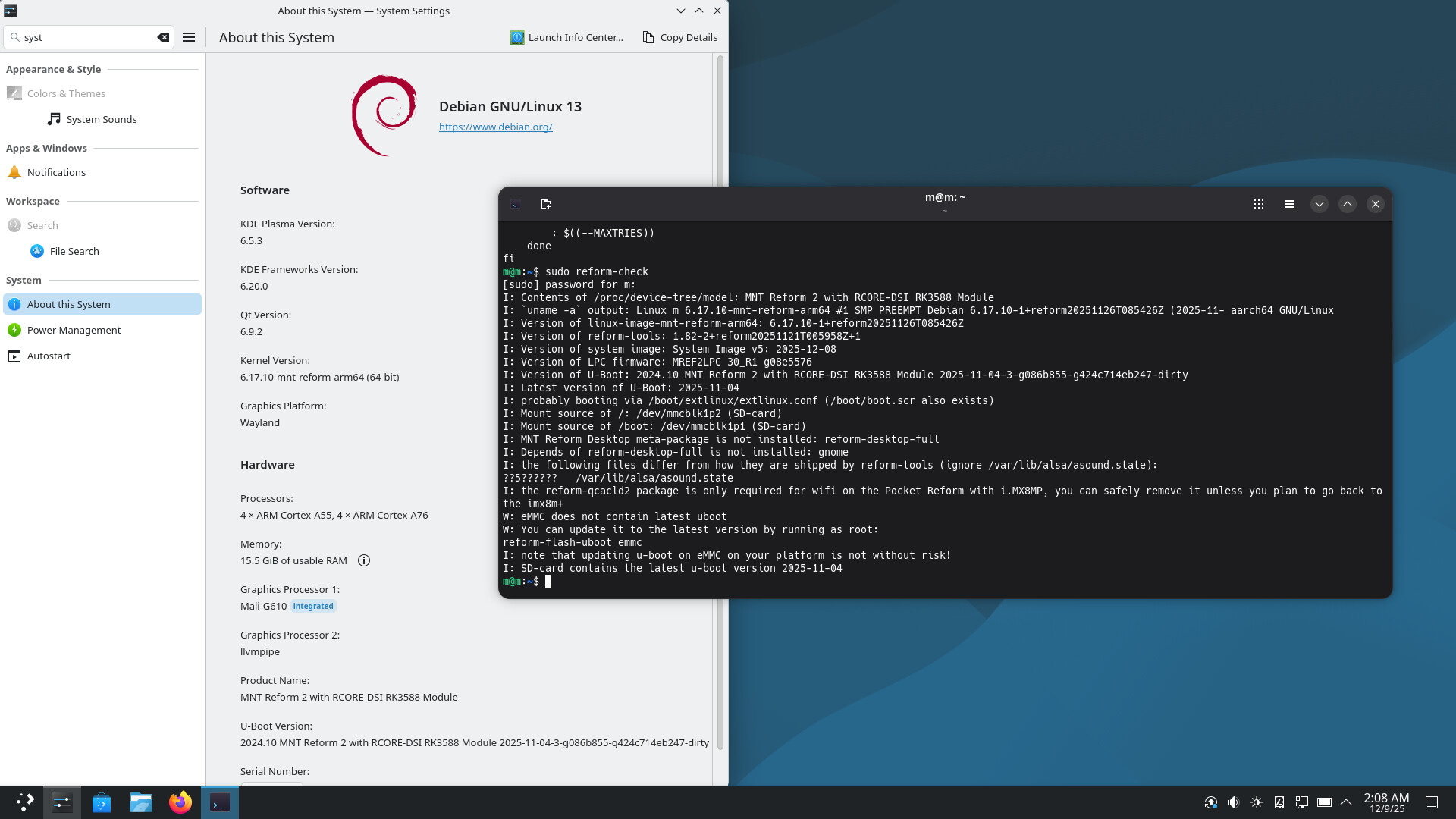
When using SDDM as a login manager the system takes a long time (sometimes only after switching the buffers with e.g. CTRL+ALT+F4) to show it. It’s unusable afterwards. Gdm3 works better, but is not able to start KDE.
This worked until a couple of weeks ago but is now broken.
I’m not sure how to debug this further, any help is appreciated!
Huh, interesting. I’ve been getting freezes after login for 2-3 weeks now. But I’m using river (wlroots) and greetd. When you say «a long time», how much time would that be? Seconds, Minutes, tens of minutes? Maybe I’ve just been too impatient…
Thank you for testing.
I basically did the same, installed the packages you listed, used dpkg-reconfigure gdm3 to select sddm as login manager and it worked for a while.
Now sddm comes up (screen stays black but switching between framebuffers and going back to the first shows sddm) but I can not use the mouse via the trackball nor external mouse (both work otherwise). Blindly typing my password and hitting enter seems to do something. Sddm disappears and I see systemd messages with the last message being “[ OK ] Reached target graphical.target - Graphical Interface”.
KDE seems to be running somehow, since ps aux | grep kde lists it.
I reinstalled the packages for KDE but it didn’t help.
This showed up in the logs:
cat /var/log/sddm.log [17:45:28.962] (EE) HELPER: Failed to take control of “/dev/tty1” (“foo”): Operation not permitted