I’m thinking about getting a Pocket Reform to complement my Reform Classic (RK3588). Since delivery times at the MNT Shop have gotten quite long, I’m considering ordering from Mouser.
But I don’t understand why the prices vary so much (€799 to €1,152).
Also, it seems they only offer the version with the i.MX8M Plus there. I’m not sure what kind of performance to expect. I’m familiar with the benchmarks, but how does it perform in everyday use (browsing, email, and light office work)?
I am also considering the same purchase and my main reason not to get one Pocket from Mouser is, still waiting for MNT Classic Reform with RK3588. First want to evaluate my needs by daily running the Classic Reform.
Having said that, I spent some time at Mouser. The description are not up to what people would need to make educated decision. What I learned is, and please correct me if something is wrong:
Since Mouser own Crowd Supply you can review their website, as the descriptions for the Pocket variants are better: MNT Pocket Reform | Crowd Supply
The cheaper models are basic - only the computer with keys variations;
Higher price models (Hyper) include 1tb SSD, sleeve, printed manual and poster;
Mixed for mid price models, where having one of the following - storage/sleeve;
On the performance side, I have no experience with i.MX8M Plus, however, I would expect less performance than Pi 4. My Raspberry Pi4 with 4GB of RAM, process emails and very light browsing okay. Great for typing, CLI, music (not videos). That said, there is CM4 adapter at Mouser, if you want to buy separately the Banana Pi CM4. (This is the MNT Reform CM4 Raspberry Pi Adapter (Raspberry Pi processor module not included!)).
I have the imx8m+ here so I can run any tests you like, for example things like “how long does it take to load source.mnt.re in firefox” or other practical things like that.
I am typing this on my daily driver the A311D which you could call is even worse than the imx8m+ with its 3.6 GB of RAM compared to the 8 GB of the imx8m+. If you’d like to know anything about how that feels, just ask away.
I think the worst is the fact that some websites which heavily use javascript to render them (gitlab, twitch, youtube) are very slow so I mostly use other interfaces to them. And since not much OpenGL is supported, some games will not work at all but that is also a problem of RK3588 and running things like blender is something which the new quasar platforms can do well but that’s more than half a year away still.
Email and office work is no problem here on A311D. Sometimes 1080p video will not work unless via hardware decoder so I usually use 720p. I have RK3588 here as well but that one is usually the test platform for my MNT related work, so it regularly gets scrubbed and I’m not using that for anthing I do daily.
The i.MX8M+ in a pocket is my main laptop right now and it does all I need from coding, web browsing, typing up papers etc. I probably would enjoy an upgrade but I don’t need it.
Thanks, that encourages me, as do the other comments.
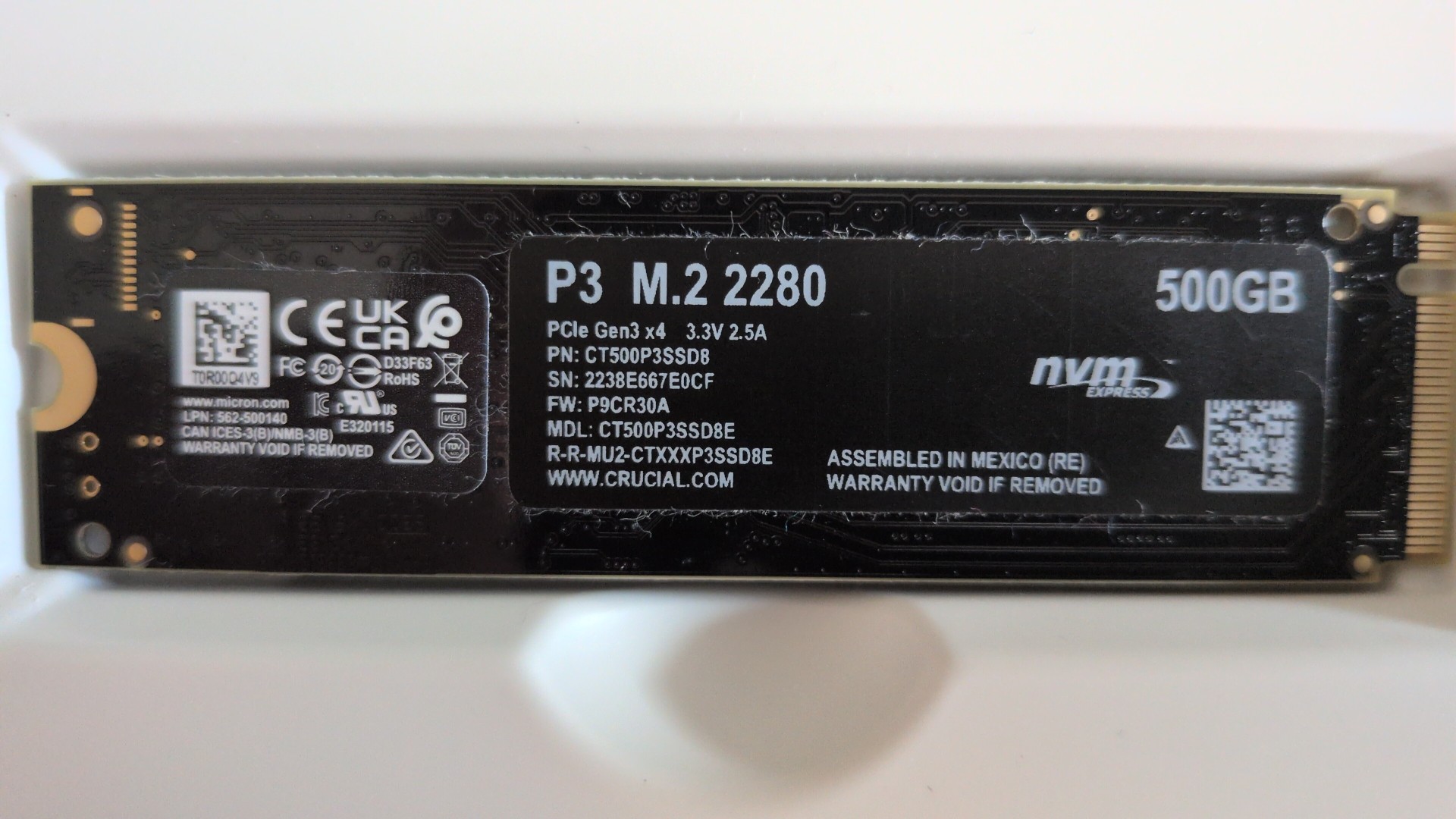
The challenge now is to retrofit a m2 (of which I still have a few lying around here) and integrate it into the system. Probably using the Reform tools? I’ll definitely need some help with that.
What you need to make sure is that it’s a PCI-E (NVMEe) SSD and not a SATA SSD. The latter will work with LS1028A but all the other SoMs like i.mx8m+ require a SSD which uses PCI. Physically, both use the same M.2 connector.