$ sudo tio /dev/ttyUSB0 -b 115200
[12:58:21.328] tio 3.9
[12:58:21.328] Press ctrl-t q to quit
[12:58:21.336] Connected to /dev/ttyUSB0
[12:58:22.859] Disconnected
[12:58:23.860] Warning: Could not open /dev/ttyUSB0 (No such file or directory)
[12:58:23.860] Waiting for tty device..
[12:58:29.873] Connected to /dev/ttyUSB0
I talked with minute about your problem in IRC yesterday and they said:
everything looks good in the thread […] i think we need to get this back for warranty inspection. another option is the sysctl usb-c rewiring trick and UUU, but it’s a bit of a hassle to set that up. we have a special bodge plug for that now @ mnt. but it’s weird that there’s no serial output at all
So I think sending in your unit for inspection after warranty is indeed the right call. Keep us posted about the status if you like!
Just got my pocket back today, it sounds like it required significant repairs (on top of the charger board and battery holder issues apparently the batteries were also faulty).
But it works now! Looking forward to using my new pocket!
Glad to hear everything is working good for you now! I was the one who fixed yours up, I think the only thing that was actually stopping it from booting was one of the batteries was just completely dead, when I switched out the battery for a fresh one everything sprang back to life. The other things were mostly routine.
Huh interesting!
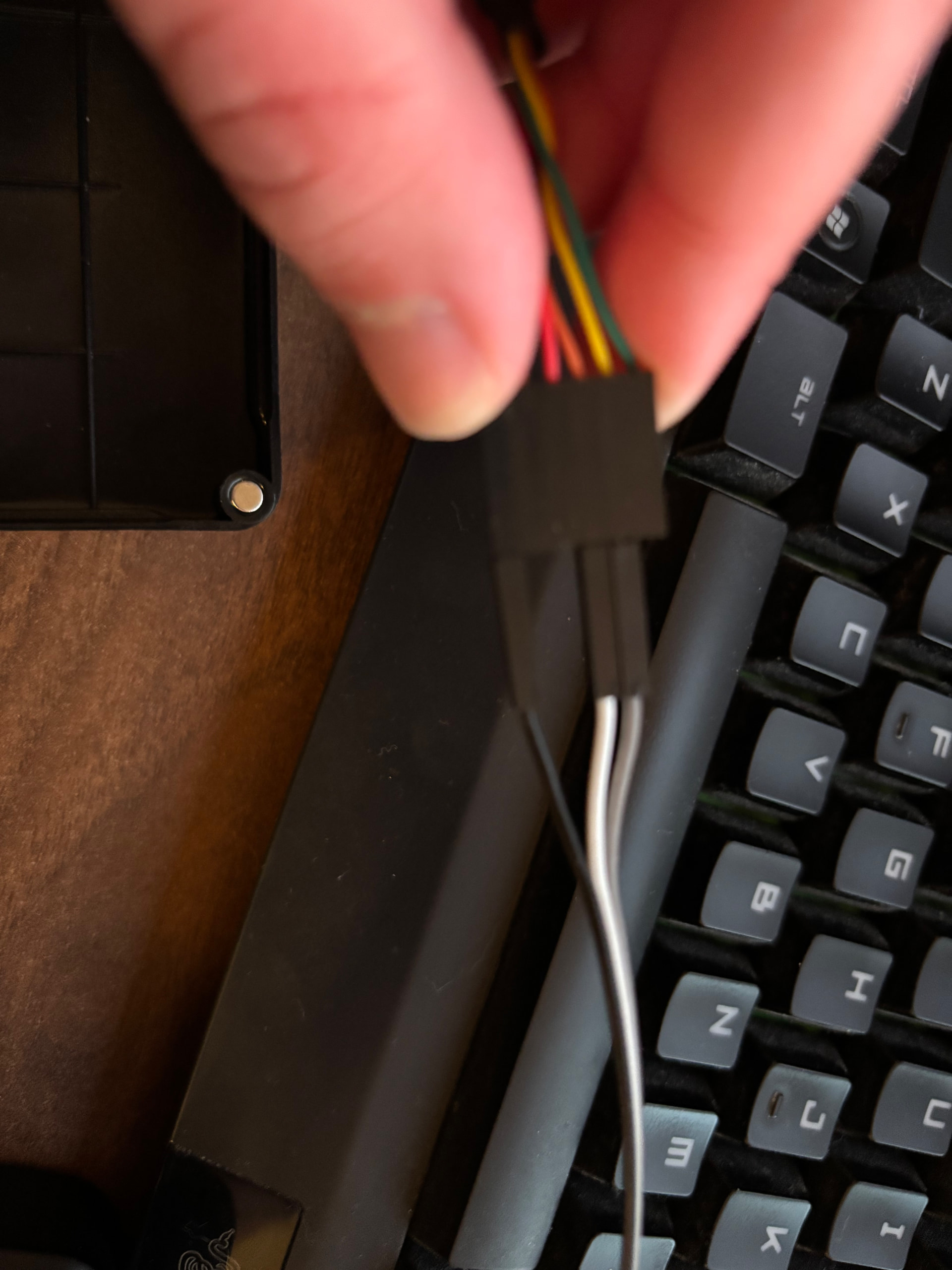
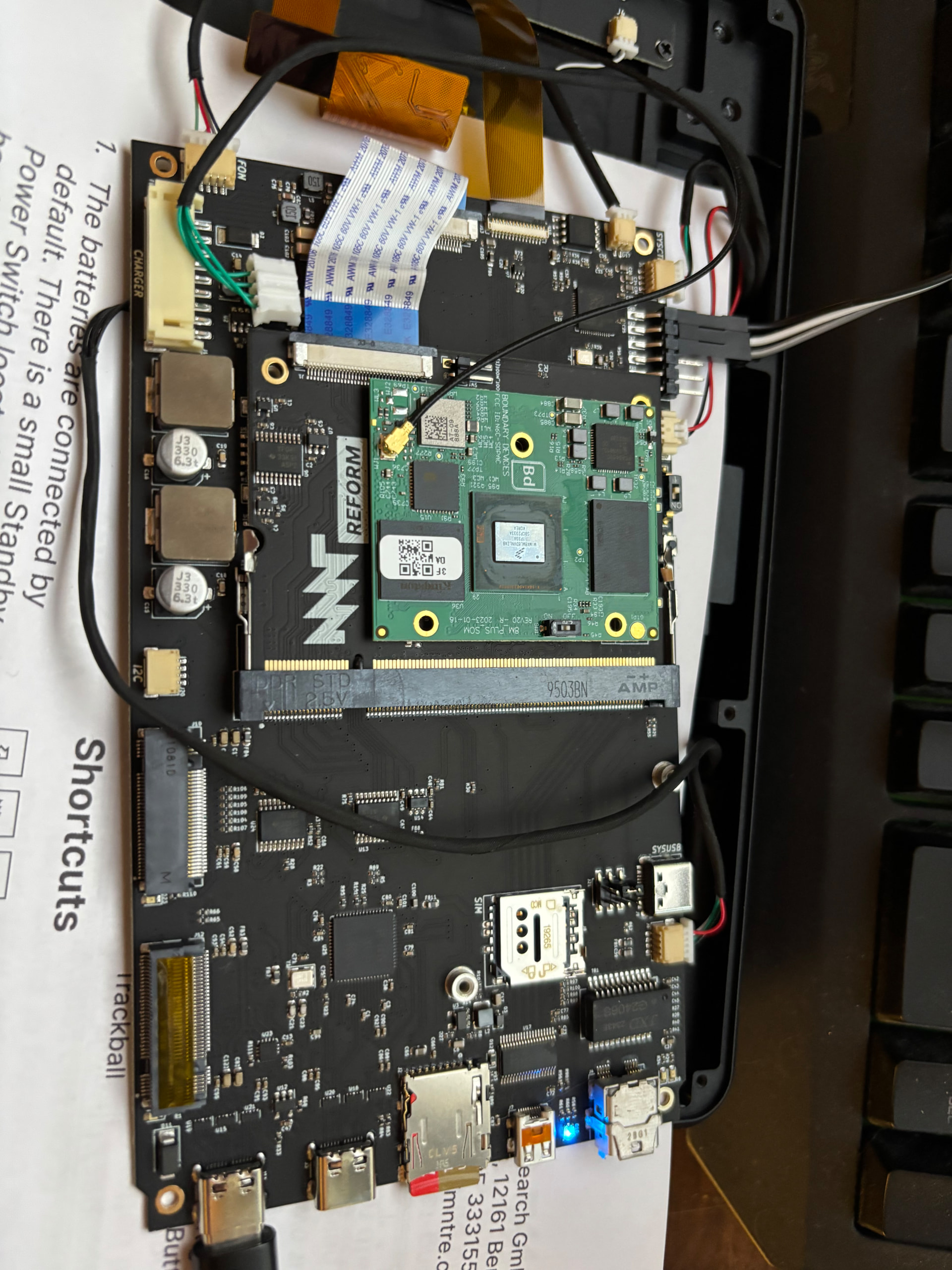
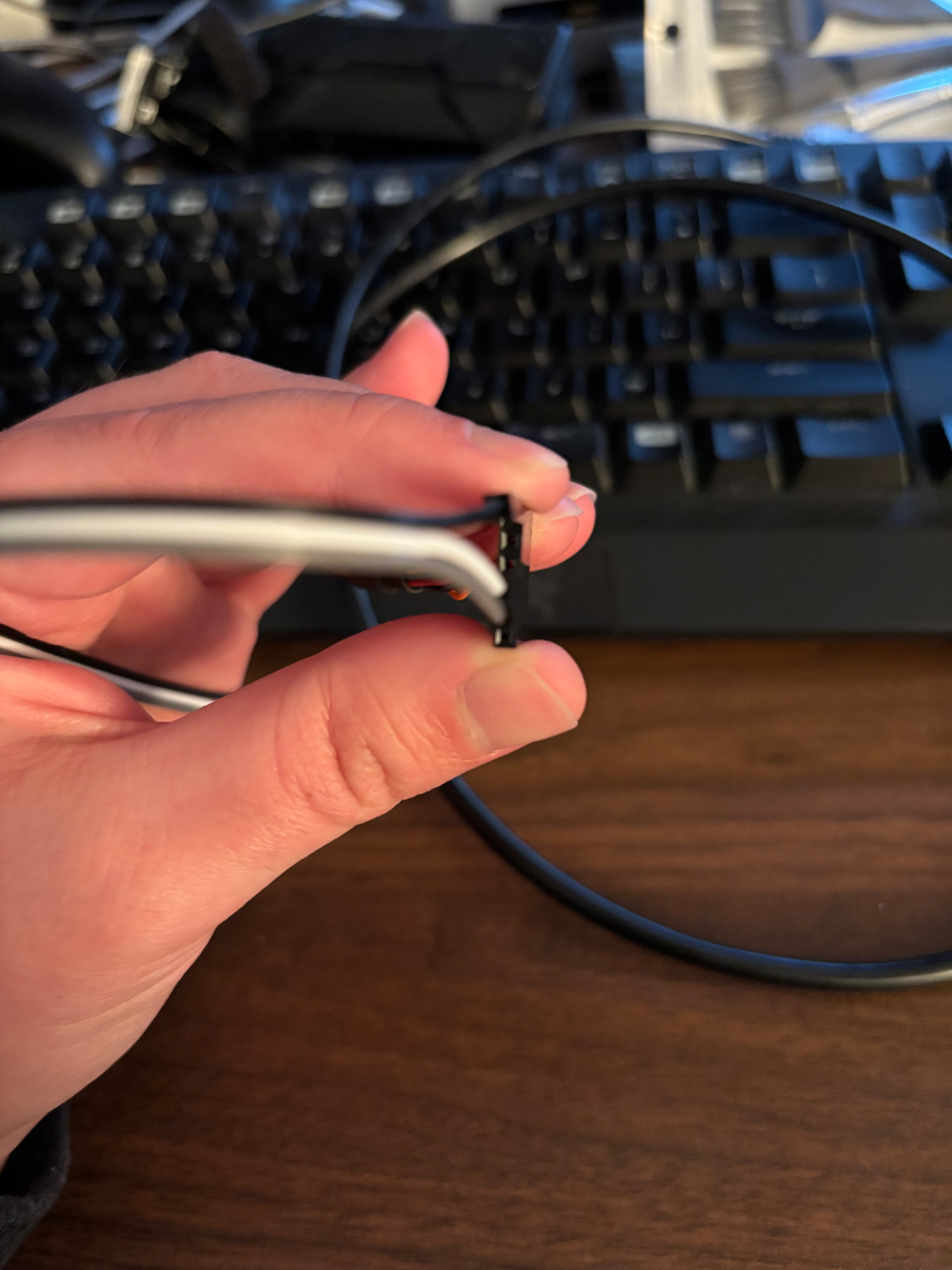
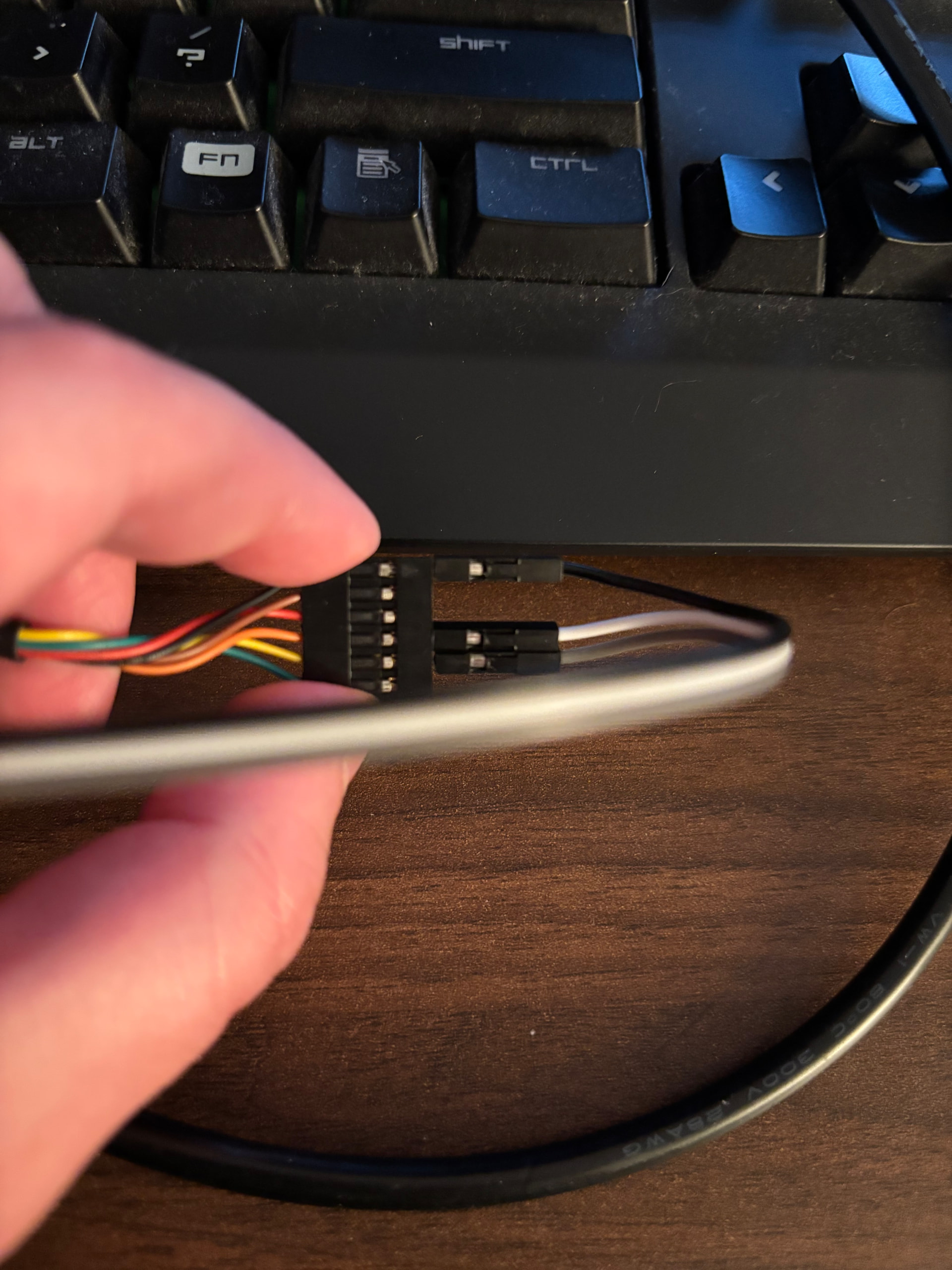
I did try the battery bypass method and was still unable to get the machine to boot, would that still have been caused by a dead battery?
Also very possible I just did the bypass wrong, but the OLED and underlying Pi did power on and I could interact with it via the keyboard.