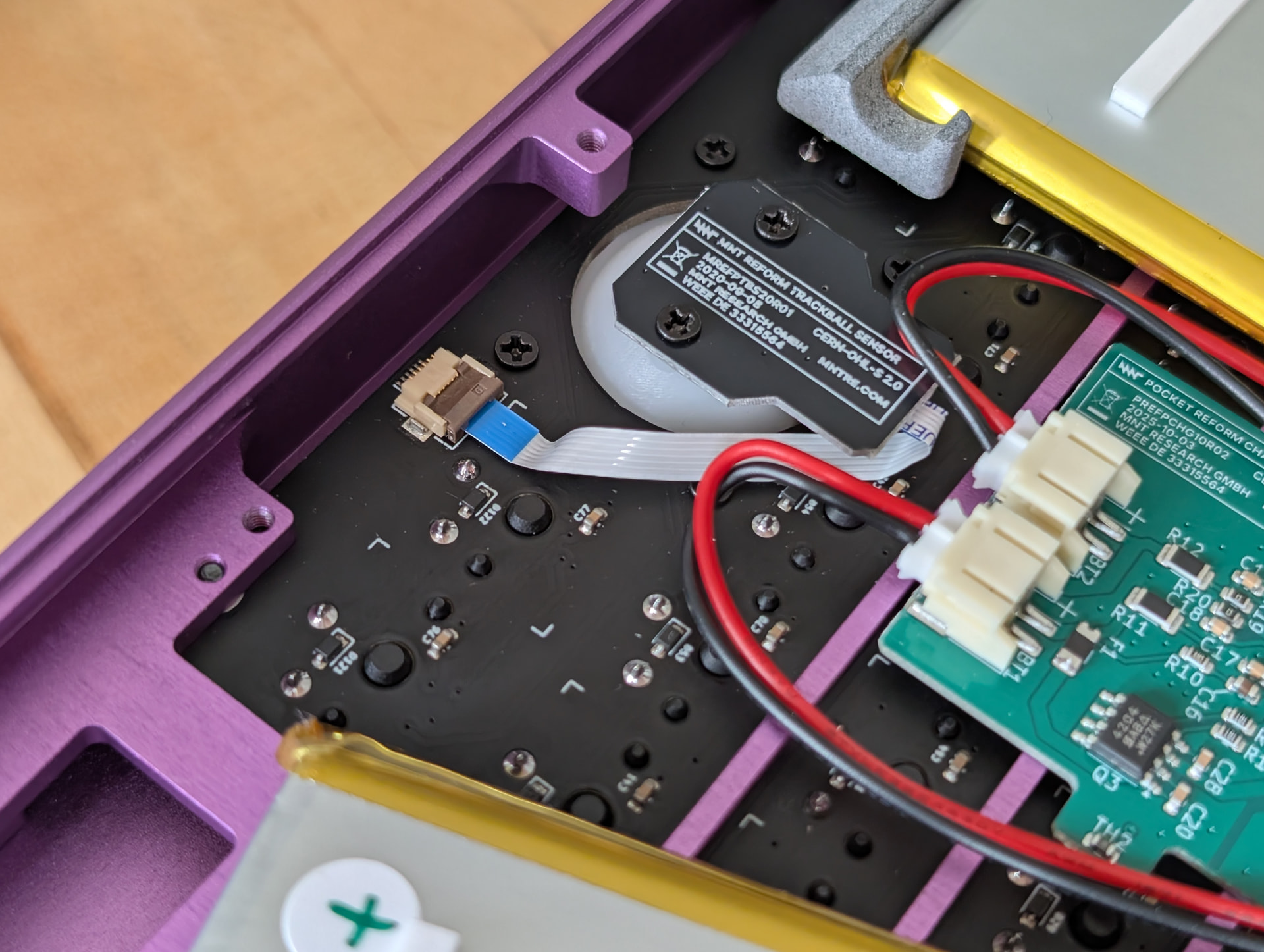
I got a rk3588 pocket reform about 4 months ago, and have been using it since at least a few times per week. Everything worked great up until about a week ago, when the mouse and keyboard started acting erratically. Both will periodically stop sending inputs for a couple seconds, and the keyboard will repeatedly send whatever key is pressed if I’m holding down a key at the moment things cut out. Looking in dmesg I saw a lot of logs like this:
[ 4212.978479] usb 1-1.3: reset full-speed USB device number 3 using ehci-platform
[ 4218.370498] usb 1-1.3: reset full-speed USB device number 3 using ehci-platform
[ 4221.194583] usb 1-1.3: reset full-speed USB device number 3 using ehci-platform
Sometimes the built-in keyboard and mouse will completely cease functioning, which I think is connected to these lines in dmesg:
[ 4303.369218] usb 8-1-port1: Cannot enable. Maybe the USB cable is bad?
[ 4307.373151] usb 8-1-port1: Cannot enable. Maybe the USB cable is bad?
[ 4311.365146] usb 8-1-port1: Cannot enable. Maybe the USB cable is bad?
Notably the keyboard can still control the rpi2040 without issue when in this state.
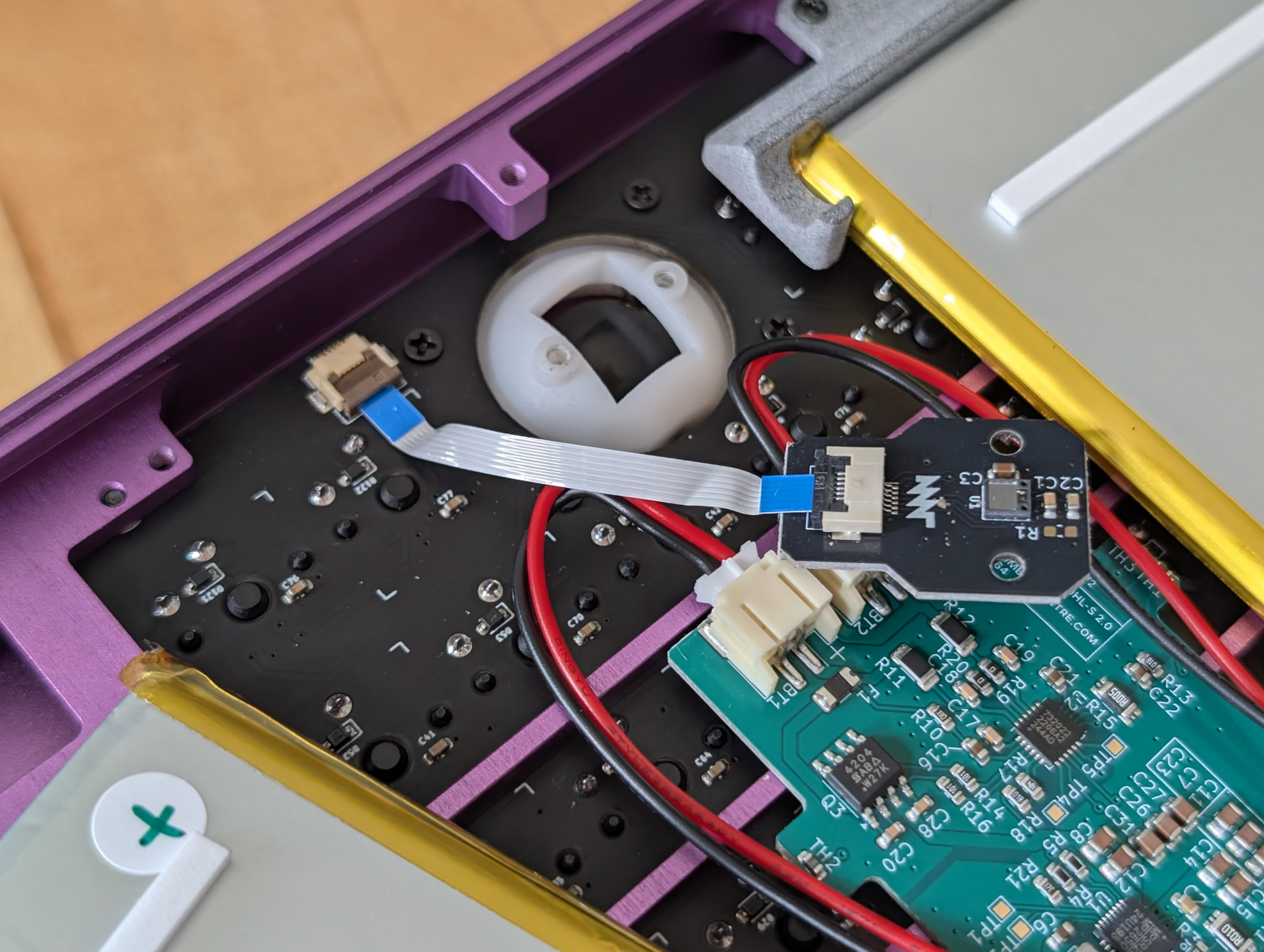
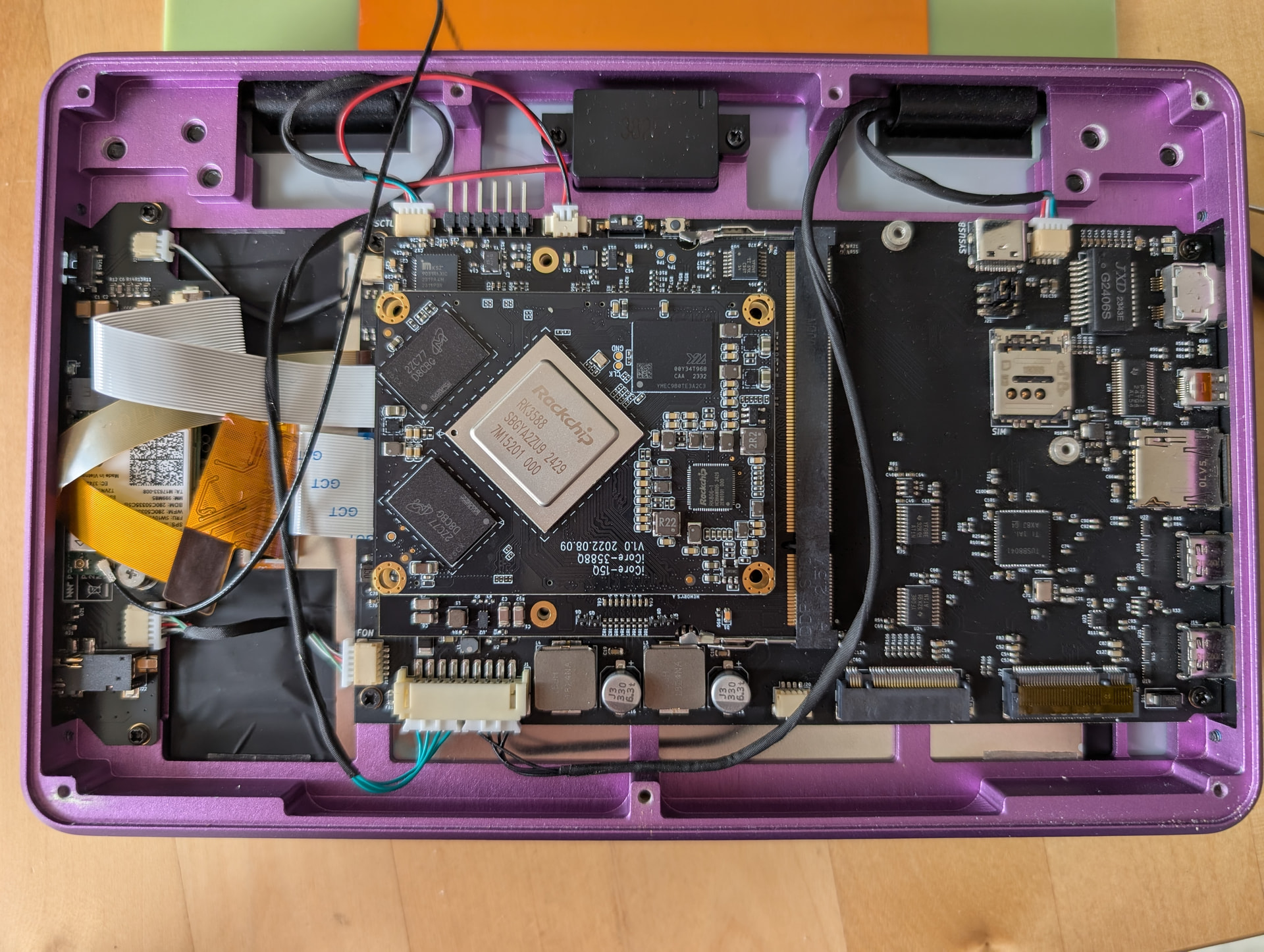
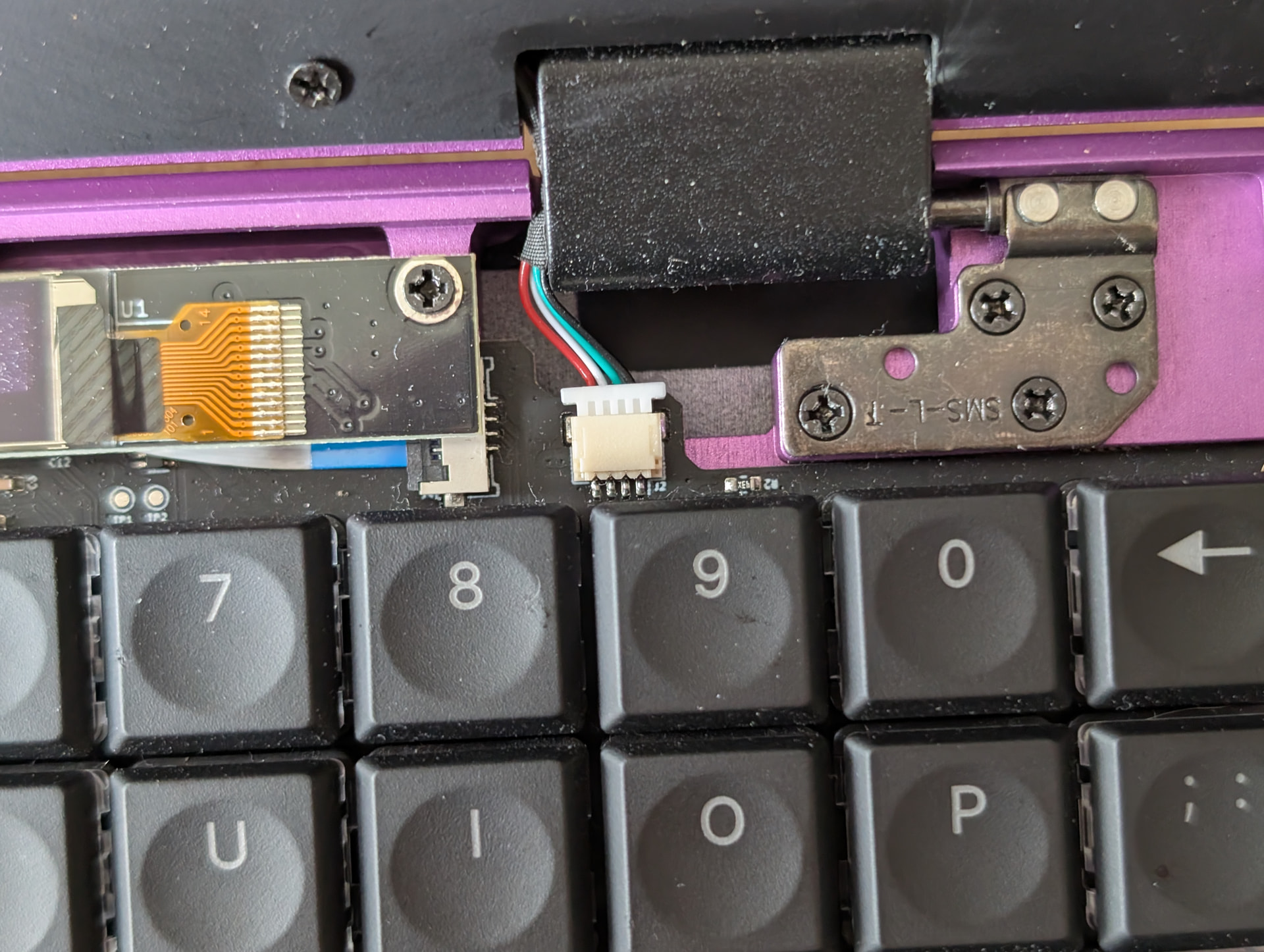
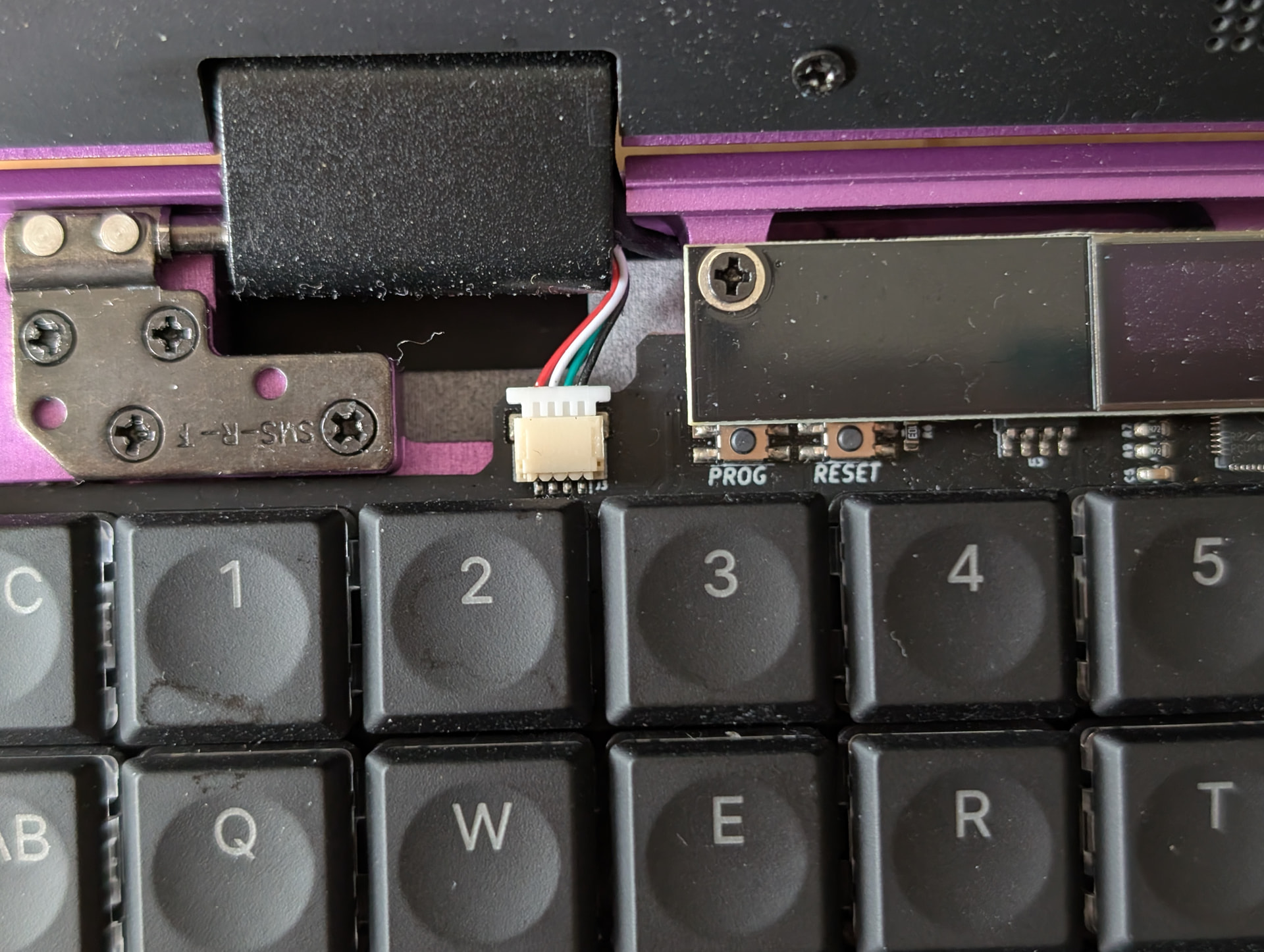
I opened up the device and inspected every cable between the mouse, keyboard, and compute module and didn’t see anything amiss (see attached photos).
The device is still running the original debian install it had on it when shipped from MNT, but I’ve switched it to testing instead of unstable. The gnome firmware tool lists the input firmware as up-to-date at version 20251118
Has anyone else run into this or know what I can do to get input working reliably again?